Updated on 21 September 2026
Account administration: details, password and permissions
View your details, change your password and review your access permissions from the Inicio (Home) tab.
From the Administración de la cuenta (Account administration) icon, available in the Inicio (Home) tab, you can view and manage different aspects of your Ubyquo account.
Options available to users
From Administración de la cuenta you can:
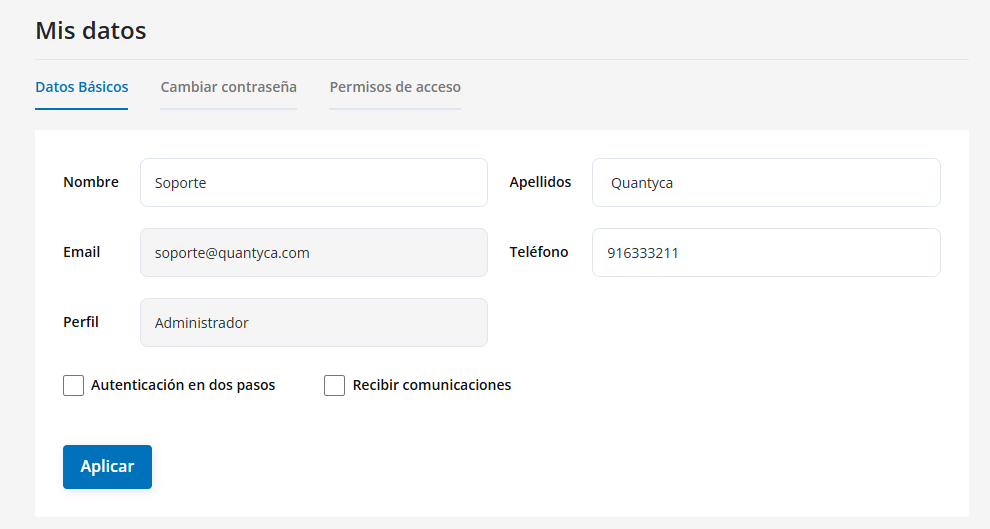
View your personal details
You can view the details associated with your account:
- First and last name
- Phone
- Assigned profile
Change your password
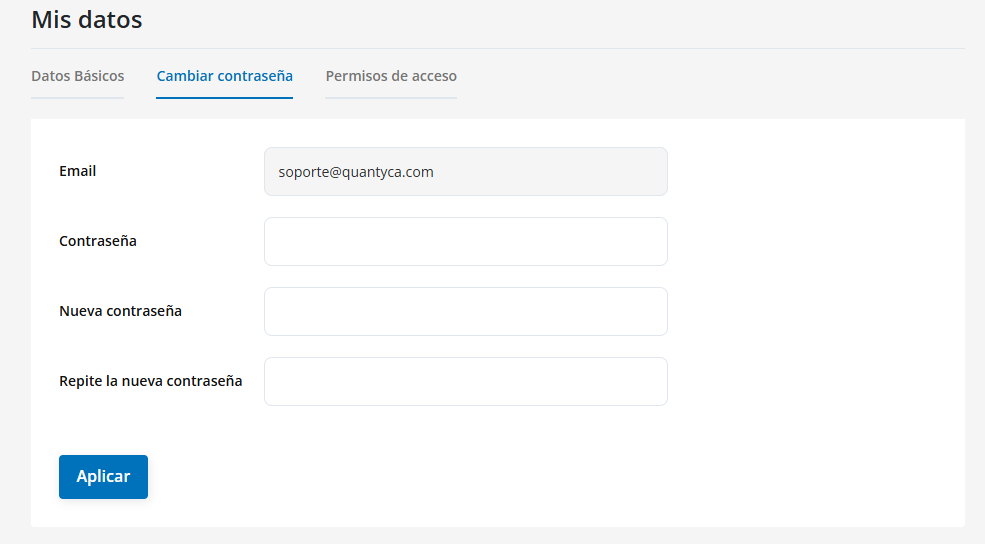
From this section you can change the password you use to log in to your account.
View your access permissions
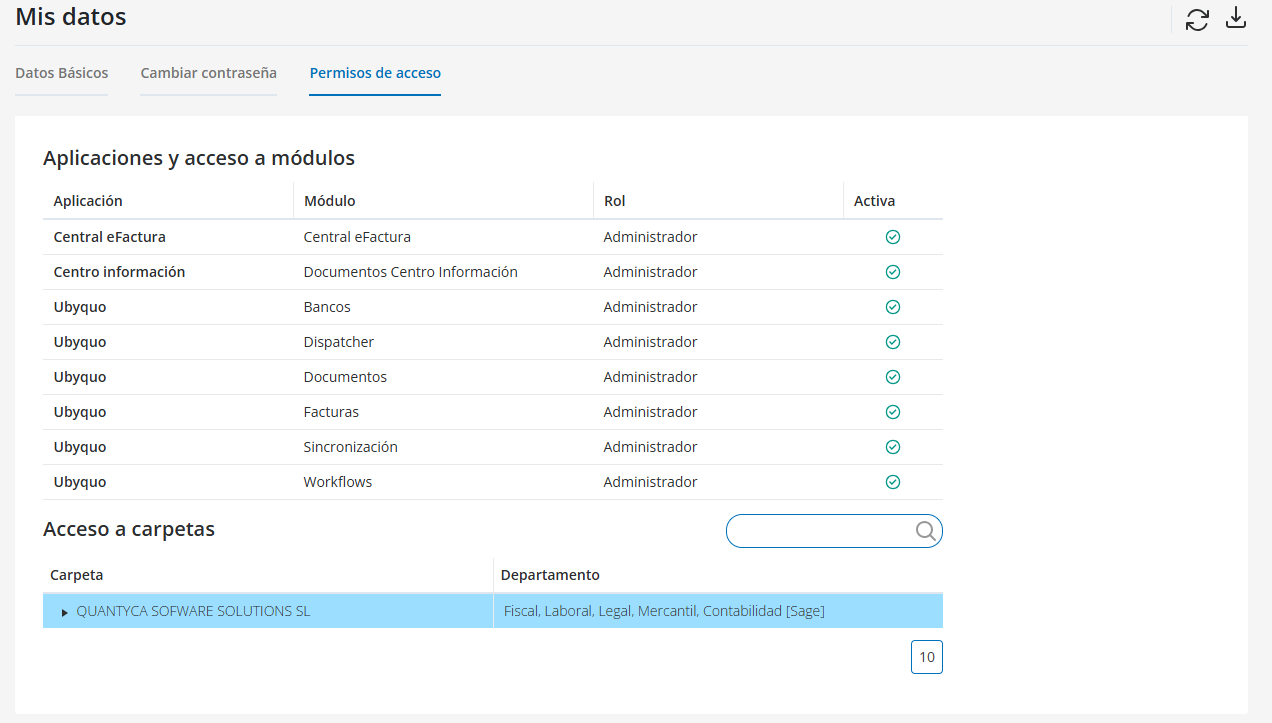
You can view the access permissions you have enabled in Ubyquo.
You can also download the permissions in Excel format to review the information.
Additional options for administrators
If your user profile is Administrador (Administrator), you will have access to additional options to configure and manage the account.
Account details
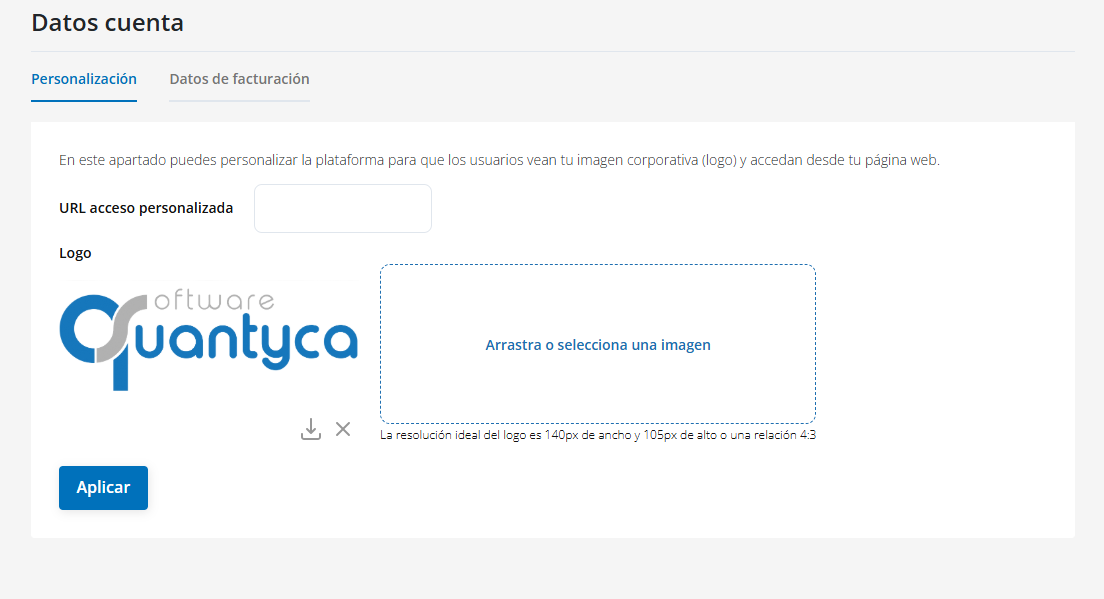
You can customize the platform by adding your company's logo and allowing users to access Ubyquo from your corporate website.
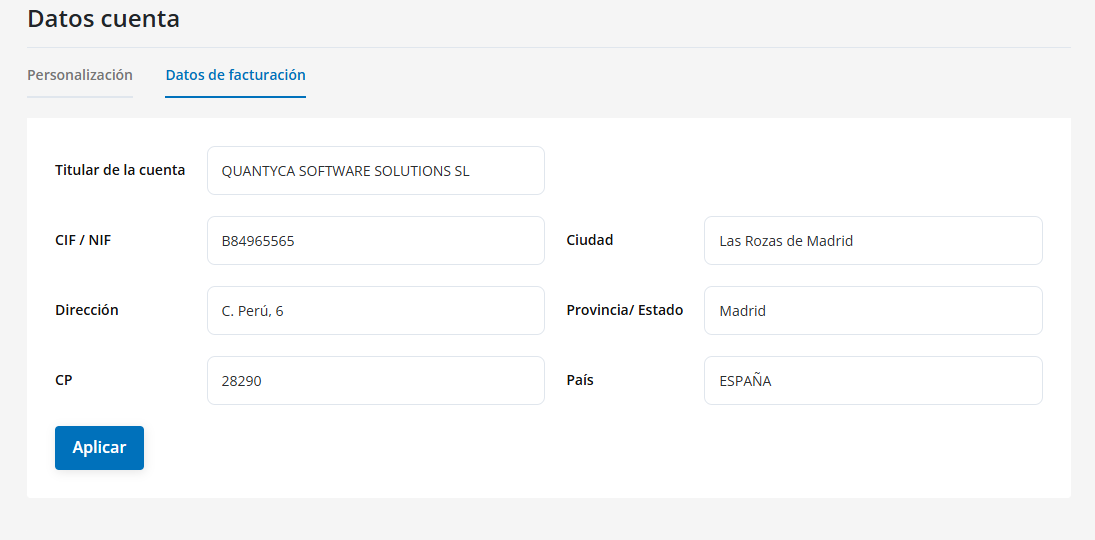
You can view and edit the company's tax details, including:
- Account holder
- CIF/NIF
- Address
- Postal code
- City
- Province
- Country
Contracted modules
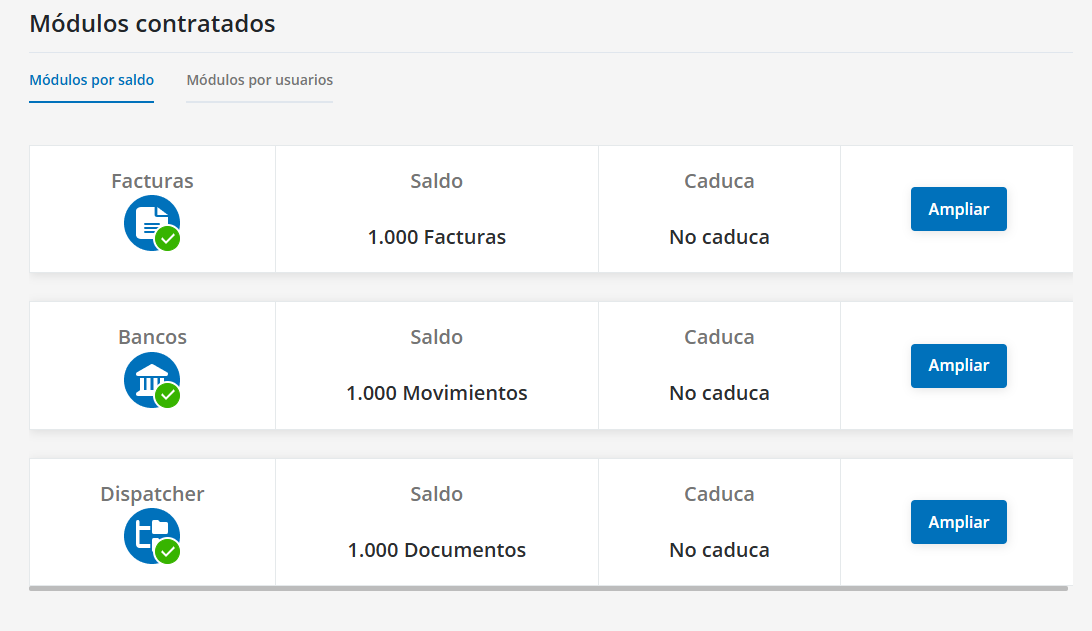
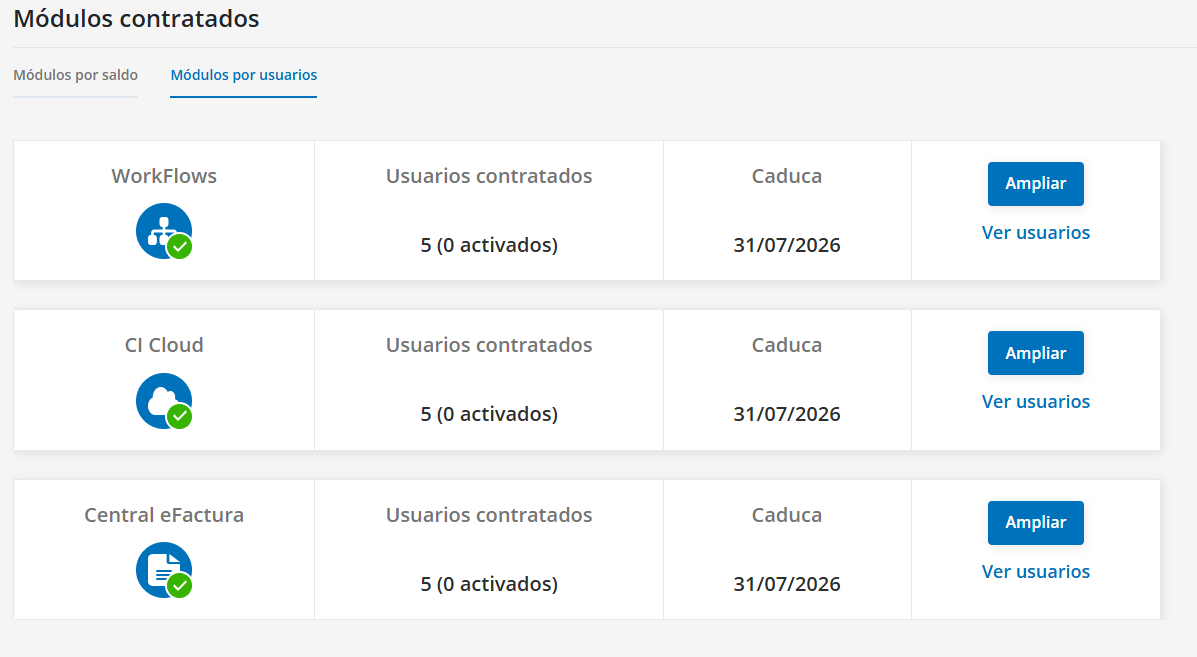
From this section you can view the active modules and request more balance or users when needed.
Modules can be contracted under two models:
Balance-based modules:
- Invoices
- Banks
- Dispatcher
User-based modules:
- Workflows
- CI Cloud
- Central eFactura
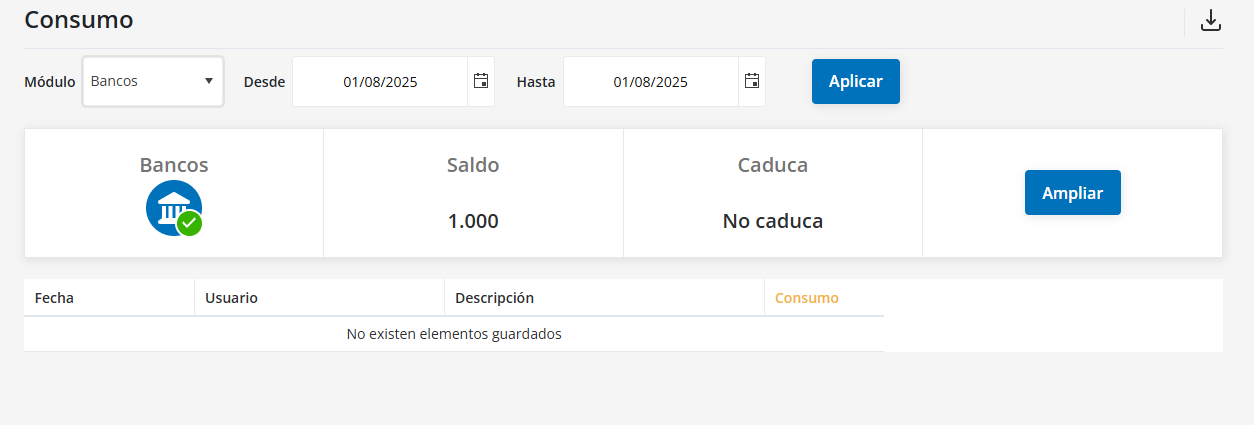
Usage
You can view the usage of the different modules and download the information in Excel for analysis.
The download is available for:
- Invoices
- Banks
- Dispatcher
User profiles
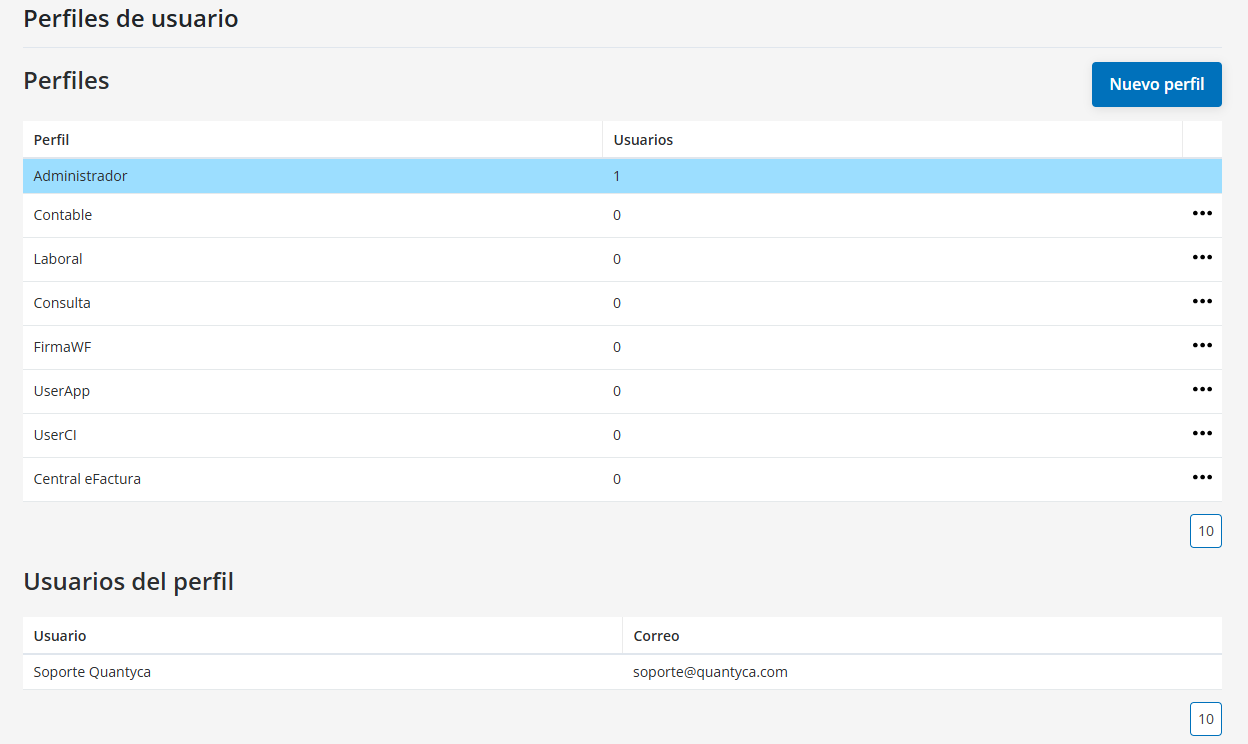
Ubyquo includes several default user profiles.
From this section you can:
- Create new profiles.
- Copy existing profiles.
- Edit profiles.
This way, you can adapt the profiles to your company's configuration needs.
Users
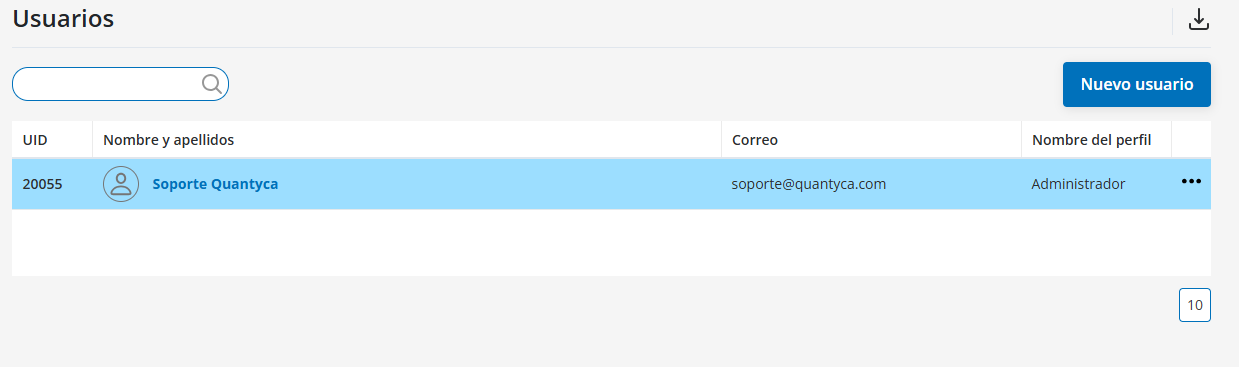
From the Usuarios (Users) section you can view and manage the users of the account.
You can:
- View the list of users, including first name, last name, email and assigned profile.
- Create new users.
- Manage user rules and assign the access permissions for the companies each user will be able to see.