
Updated on 24 September 2026
Automate repetitive bank transactions with rules
Create rules so that Ubyquo assigns contra accounts only to the transactions that repeat.
Ubyquo rules let you automate the assignment of contra accounts and the handling of repetitive bank transactions, so you don't have to configure each transaction manually.
Open the transactions editor
Go to the Editor de movimientos (Transactions editor) from the Banks module to create and configure the automation rules.
Add a rule
- Select the bank transaction you want to automate.
- Click Añadir regla (Add rule), at the top.
Configure the rule
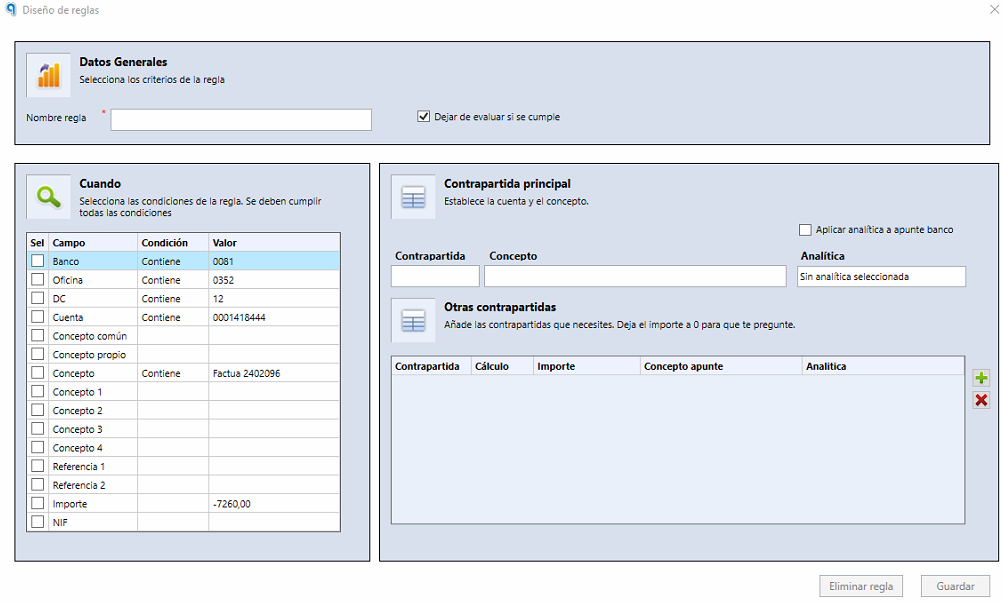
In the Nombre regla (Rule name) field, enter a descriptive name that makes the rule easy to identify.
Select the fields that repeat
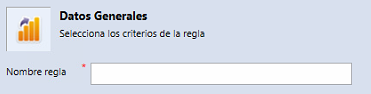
Select the fields that repeat in the bank transactions, such as amount, date or reference, to define the conditions for applying the rule.
The most common field is Concepto (Description). In this case, select a phrase that always repeats or a keyword that is always present in the description of the bank transaction.
Select the contra account and the description
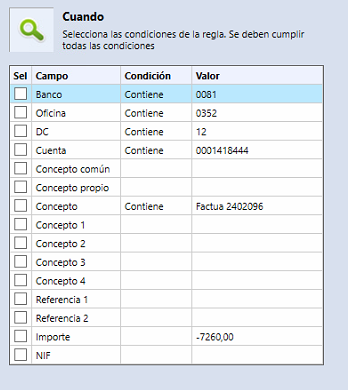
- Select the contra account that will be assigned to the transactions that meet the rule's conditions.
- If needed, enter a custom description.
The Concepto field is optional. If it is not specified, the bank description associated with the transaction will be used.
Order the rules
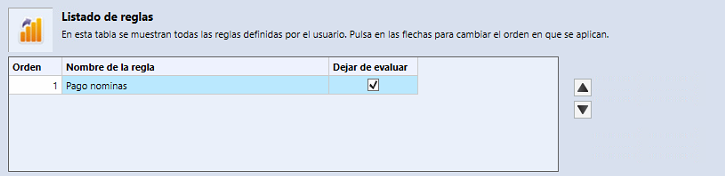
Rules run in order, from the first to the last.
- If several rules can apply to the same transaction, adjust their order so that the right one runs first.
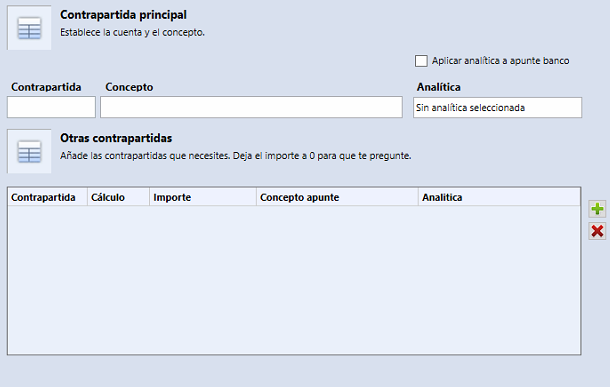
- To prevent more than one rule from being applied to the same transaction, use the Dejar de evaluar (Stop evaluating) option.
Create an exception rule for incorrect NIFs
If Ubyquo detects incorrect NIFs and you want to prevent them from being used to assign contra accounts:
- Create a specific rule to ignore invalid NIFs.
- Leave the Contrapartida field empty.
- Place this rule in the first position, so that it is evaluated before the others.