
Updated on 24 September 2026
Cancel Sage receivables or due items from Ubyquo
Manage from Ubyquo the cancellation of receivables/payables posted in Sage once they have been matched.
Canceling receivables or due items from Ubyquo lets you manage the cancellation of receivables/payables posted in Sage.
Important: This feature is only available for Sage.
1
Check the matching in the transactions editor
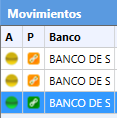
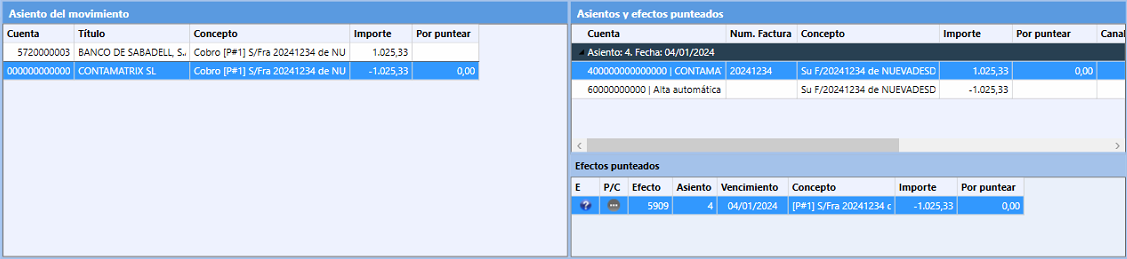
Check that the receivable/payable item is matched with its accrual (invoice) and with the associated item.
When the matching is correct, the indicator in the P column will change from orange to green.
2
Show the matched items in Banks
To see the items that are already matched:
- Go to the Bancos (Banks) tab.
- At the top, select Configuración Bancos (Banks settings).
- Go to Mostrar / Ocultar efectos punteados (Show / Hide matched receivables/payables).
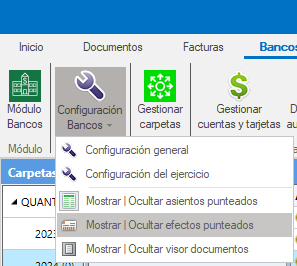
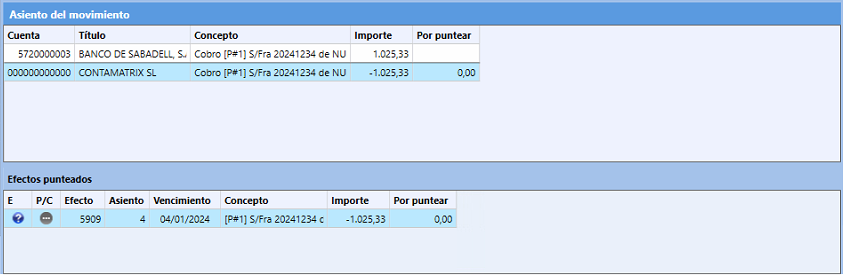
- Turn on the display of matched items.
- Select the items you want to cancel.
3
Export the items and check the pending ones
Once the items are selected:
- Export the items.
- Go to the Exportados (Exported) stage.
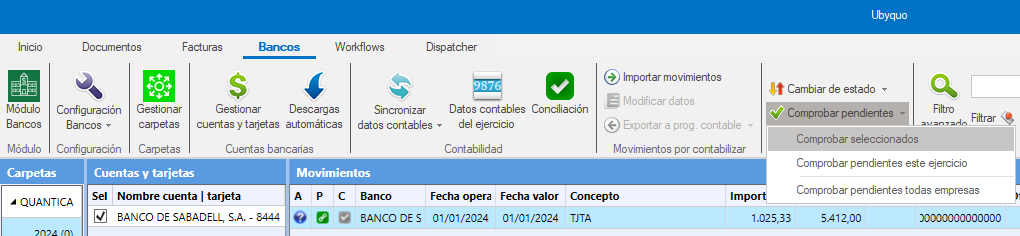
- Select Comprobar los pendientes (Check pending items).
4
Cancel the items
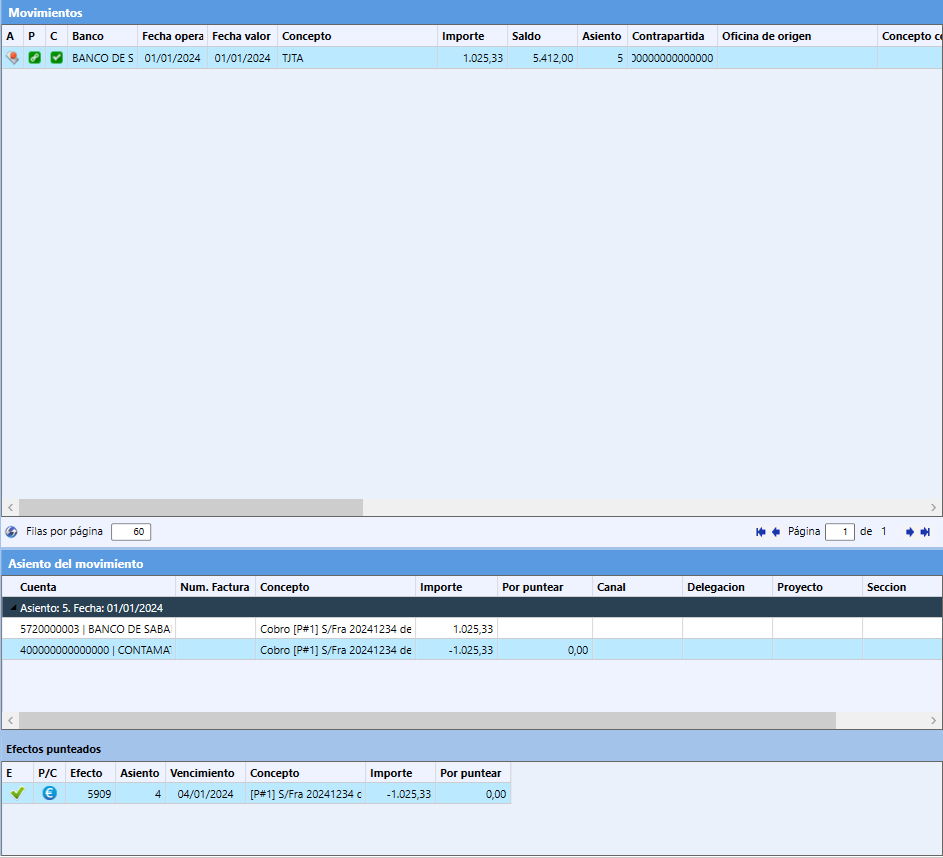
To cancel the item, change the dots icon in the P/C column to the icon with the € symbol.
Important note
You do not need to add analytical fields to the items to carry out this process.