Updated on 24 September 2026
How to unmatch a receivable/payable from a bank transaction
Correct a wrong link by unlinking the receivable/payable item and its journal entry from the bank transaction.
The Despuntear (Unmatch) option lets you unlink a receivable/payable item and its journal entry from a bank transaction to correct a link or to do a new match.
Open the bank transaction
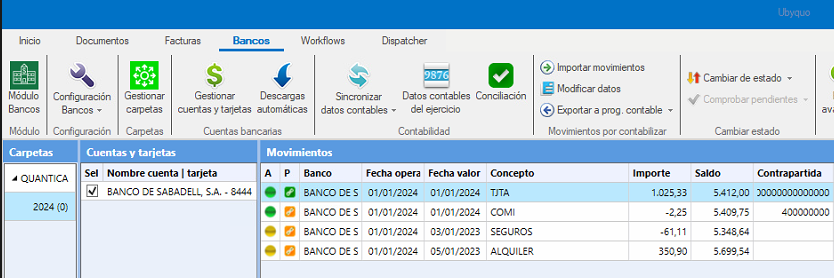
From the Bancos (Banks) tab, find the bank transaction you want to modify.
Open the Banks editor
Double-click the transaction to open the Editor de Bancos (Banks editor).
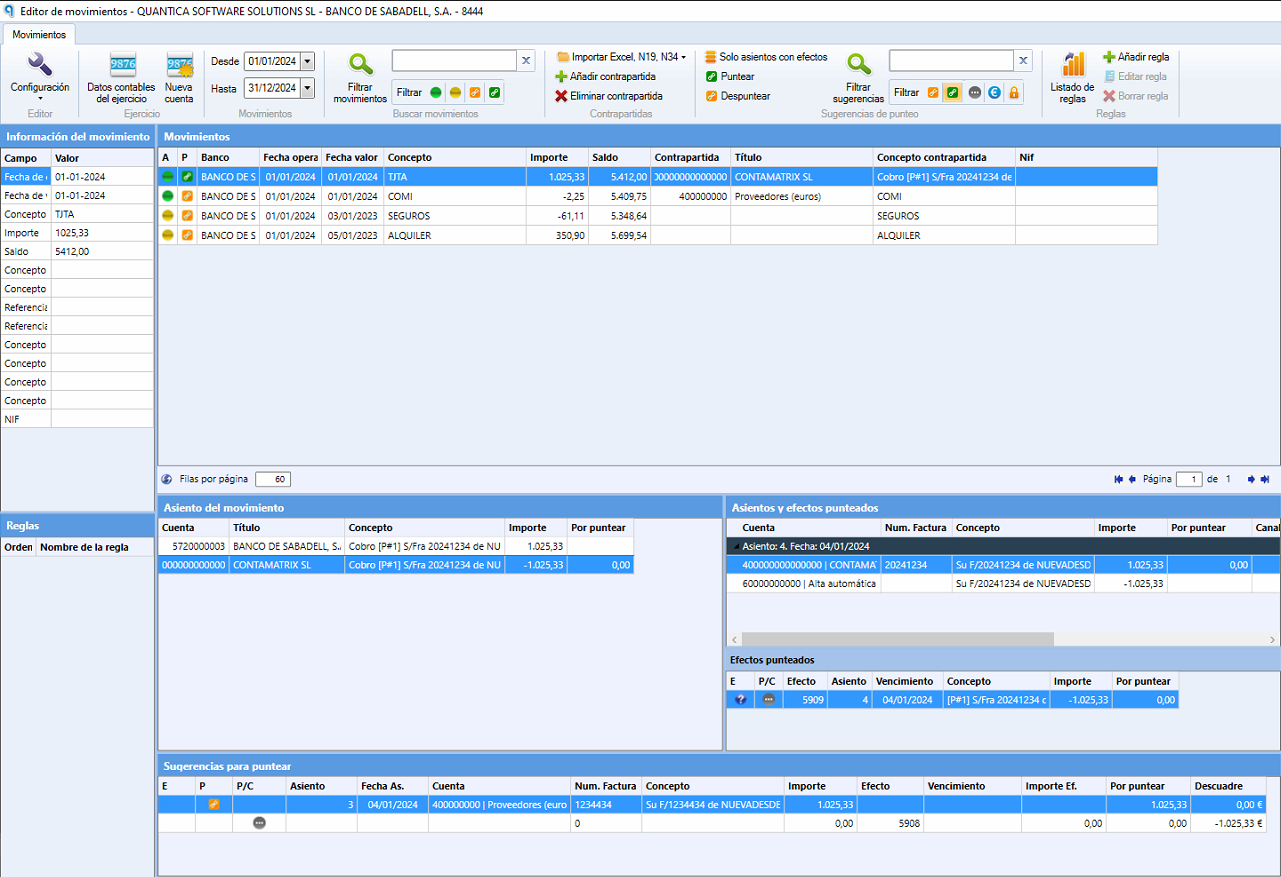
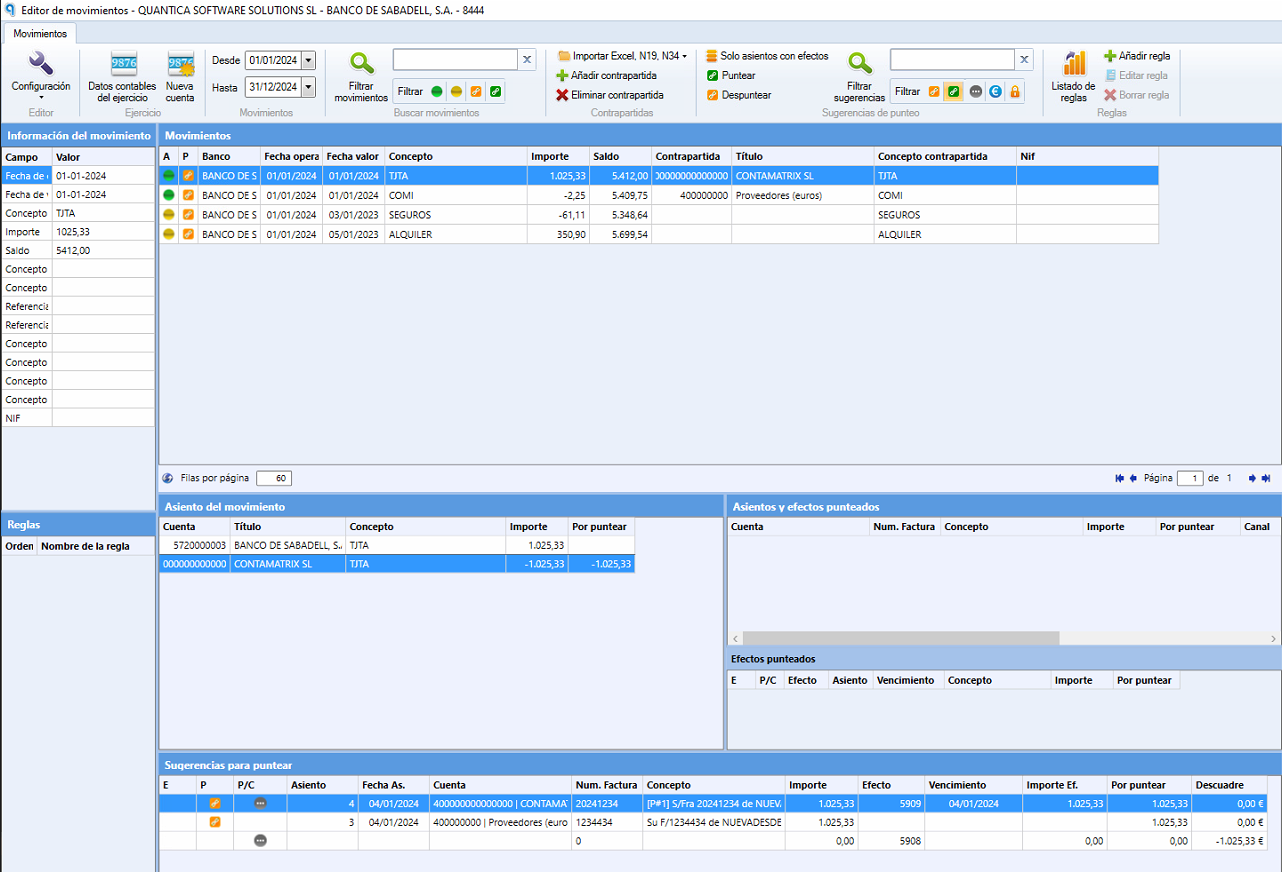
Select the transaction with the matched item
In the editor, go to the bank transaction that has the matched receivable/payable item you want to unlink.
Unmatch the item
At the top of the editor, click the Despuntear button.
Check the unlinking
The receivable/payable item and its journal entry will be unlinked from the bank transaction.
The item will be available to link to another suggestion, if needed.