Updated on October 9, 2026
How to unmatch a receivable/payable from a bank transaction
Correct a wrong link by unlinking the receivable/payable item and its journal entry from the bank transaction.
The Despuntear (Unmatch) option unlinks a receivable/payable item and its journal entry from a bank transaction, to correct a link or match it again.
- 1
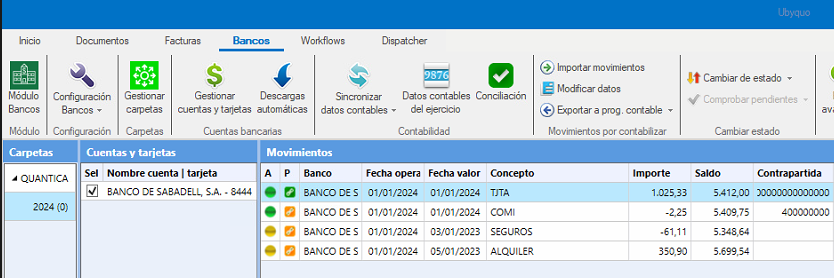
Find the transaction
In the Bancos (Banks) tab, find the bank transaction you want to change.
- 2
Open the Banks editor
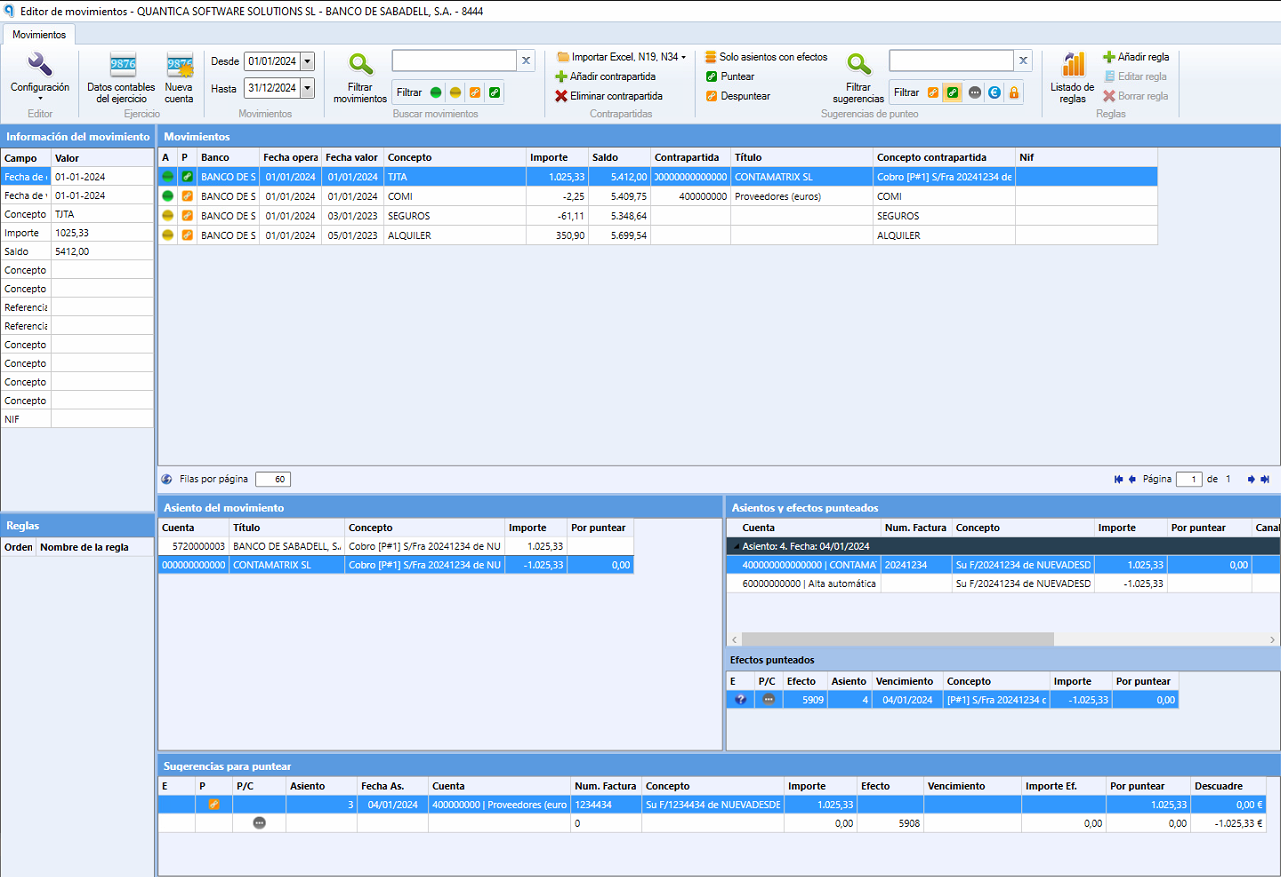
Double-click the transaction to open the Editor de Bancos (Banks editor).
- 3
Go to the transaction
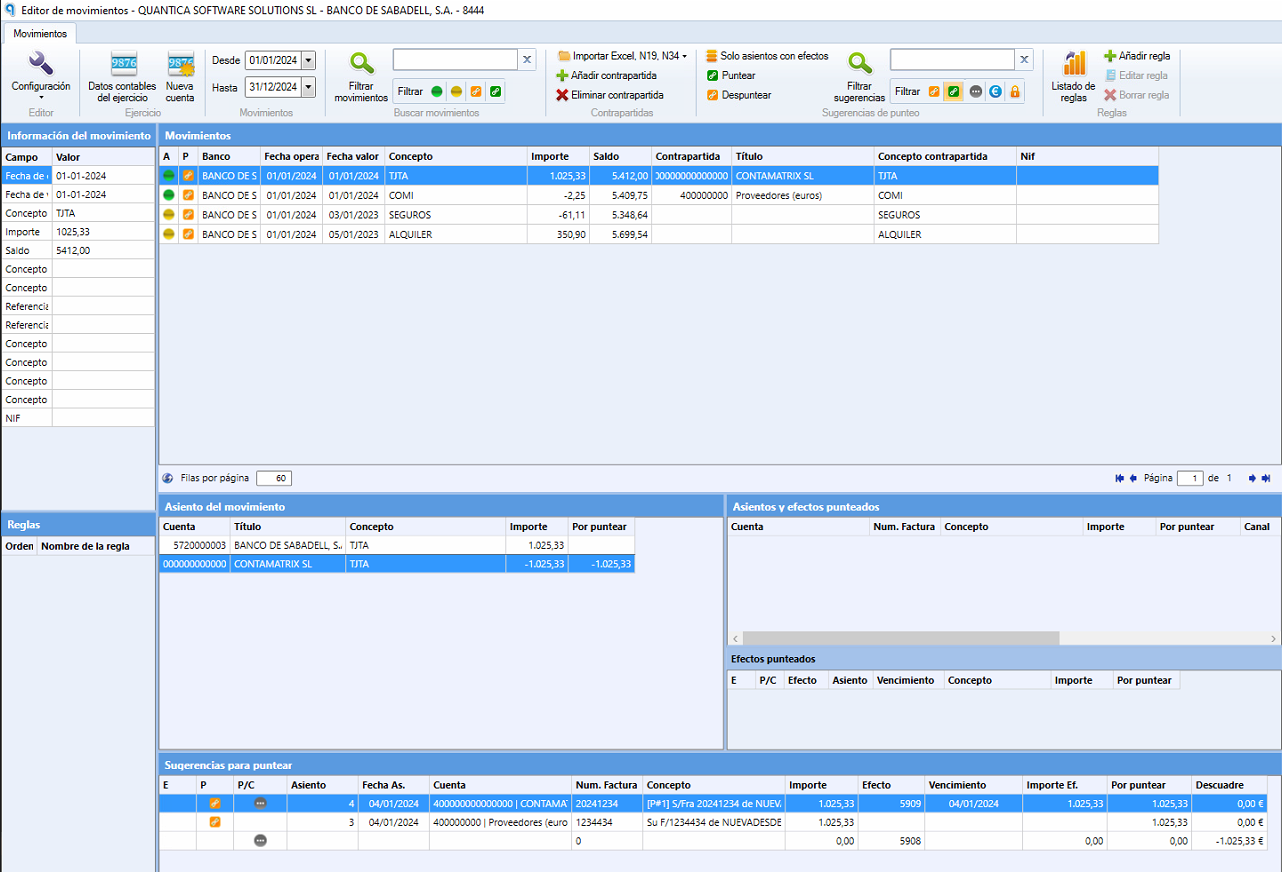
In the editor, position yourself on the bank transaction that has the matched item you want to unlink.
- 4
Click “Despuntear”
At the top of the editor, click Despuntear.
Check that it is unlinked
The receivable/payable item and its journal entry are unlinked from the bank transaction, and the item is available again to link it to another suggestion if needed.