Updated on November 19, 2026
Switching company in CENTRAL eFACTURA
How to start working with another company, and another financial year, from the Central eFactura header.
- 1
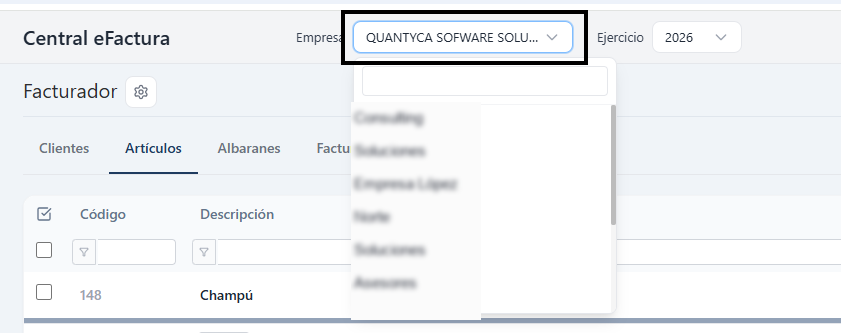
Choose the company
In the Central eFactura header, open the «Empresa» (Company) drop-down and choose the company (you can type part of its name to find it). The list that is open (for example, «Artículos», Items) switches to that company's data, without reloading the page.
- 2
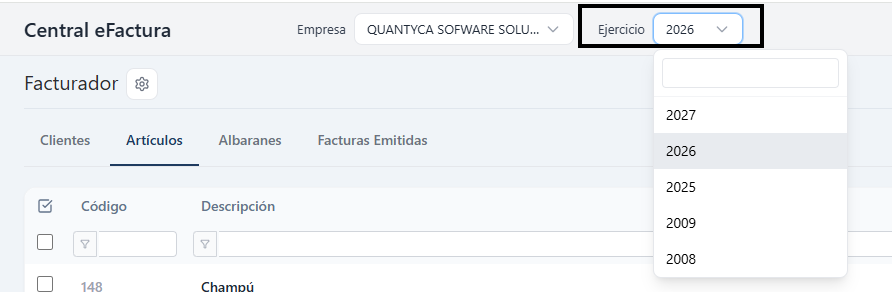
Choose the financial year
In the «Ejercicio» (Financial year) drop-down.