
Updated on 23 September 2026
Sage fiscal years don't appear in Ubyquo
Open the fiscal year correctly in Sage and synchronize so it shows up in Ubyquo.
If a fiscal year created in Sage does not appear in Ubyquo, you need to check that the year is properly open in Sage.
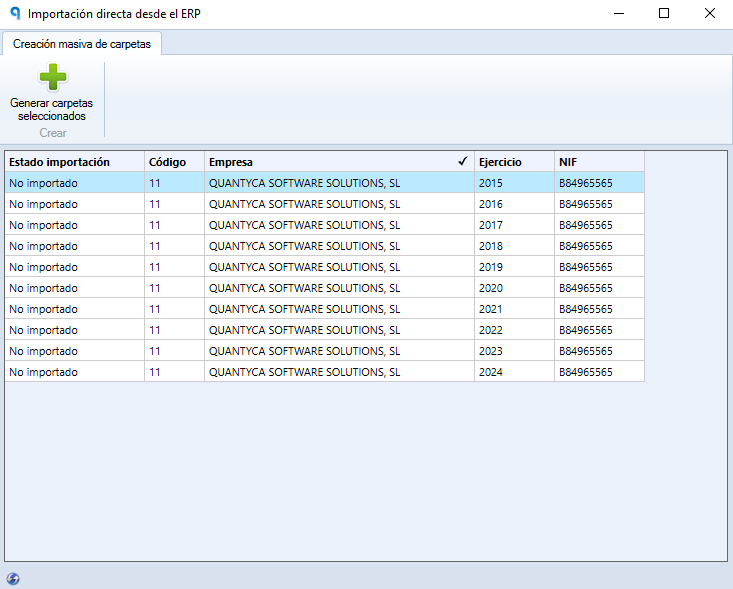
Opening the fiscal year in Sage
Follow this procedure directly in Sage:
- Open Sage and select the affected company. Important: you must open the company from a fiscal year prior to the one you want to see in Ubyquo.
- In the top menu, go to Empresas > Administración (Companies > Administration).
- On the right, click Configuración (Settings).
- Inside Configuración, select Apertura/Cierre de Ejercicios (Opening/Closing of Fiscal Years).
- Click Apertura de Ejercicio (Open Fiscal Year).
- Complete the fiscal year opening process.
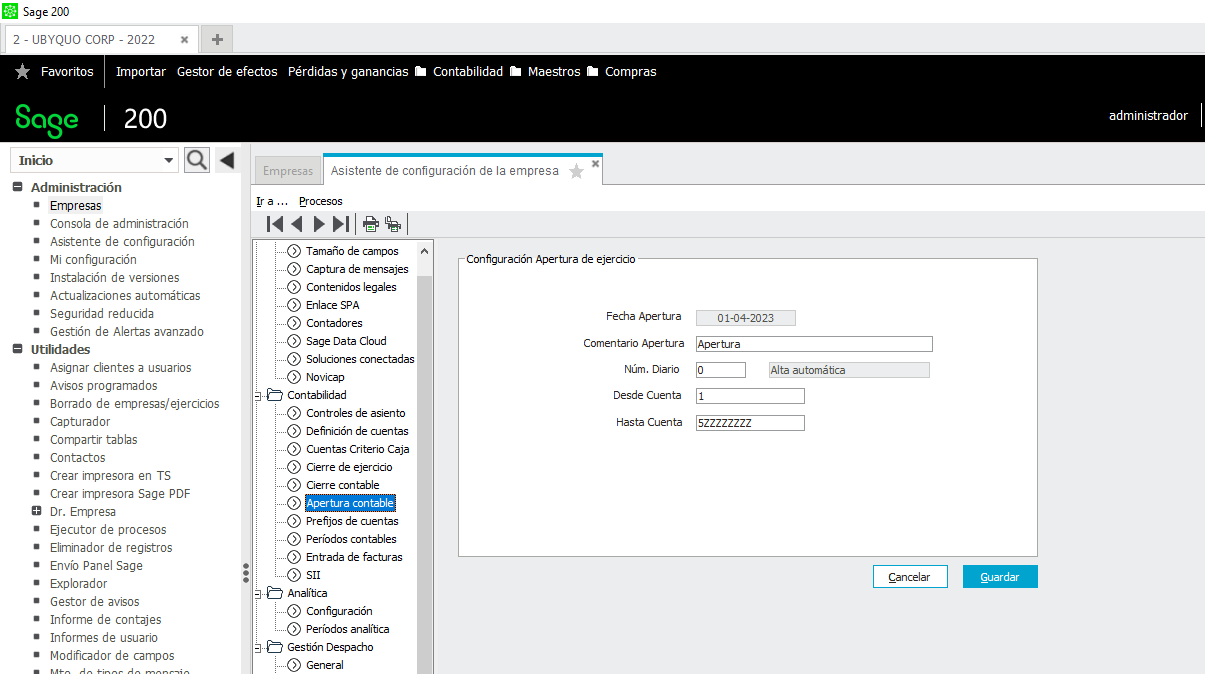
Checking the fiscal year in Ubyquo
Once the opening is finished in Sage, run an accounting data synchronization in Ubyquo.
After the synchronization, check the fiscal years available in Ubyquo.
Expected result
Once the process is complete:
- The fiscal year will be properly open in Sage.
- Ubyquo will be able to detect the new fiscal year after the synchronization.
- The fiscal year will appear in the selection options in Ubyquo.