
Updated on 24 September 2026
How to make analytical fields mandatory
Set which analytical fields must be filled in before a document is verified or posted.
Ubyquo lets you set certain analytical fields as mandatory to ensure the required information is filled in before documents are verified or posted.
Opening “Datos contables del ejercicio” (Fiscal year accounting data)
From the Documentos (Documents), Facturas (Invoices) and Bancos (Banks) tabs, you will find this option at the top:
Datos contables del ejercicio
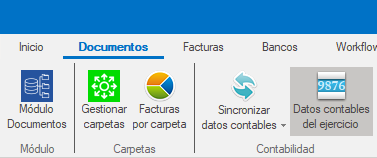
When you open this section, you will see several options and settings related to the fiscal year accounting data.
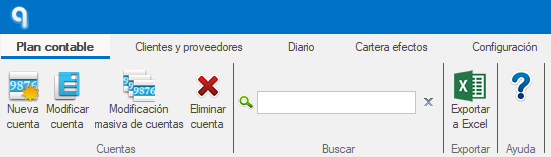
Set the mandatory analytical fields
Go to the Configuración (Settings) tab.
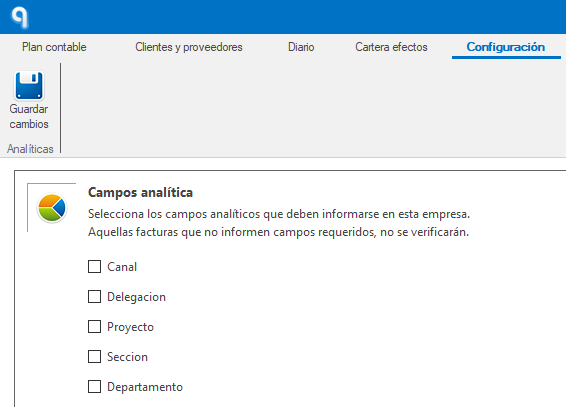
From this section you can set the analytical fields that must be filled in before a document is posted.
When you mark a field as mandatory:
- Ubyquo will not allow you to verify or post a document that does not have that field filled in.
- This guarantees that the required analytical information is complete before the document is sent to the ERP or accounting software.
When is it recommended?
This setting is especially useful when you work with departments, projects, branches or other cost accounting (analytical) criteria.
Setting these fields as mandatory helps prevent errors and ensures the required analytical information is completed before moving on to the posting process.