Updated on October 9, 2026
Block and unblock Sage payments with Workflows
Prevent invoices from being paid in Sage until they are authorized in the signing process.
Ubyquo lets you block invoice payments through workflows: the due items cannot be paid until they are authorized in the signing process.
Before you start
You need to configure the workflow stage and send the invoice before posting it.
Part 1 Block the payment
- 1
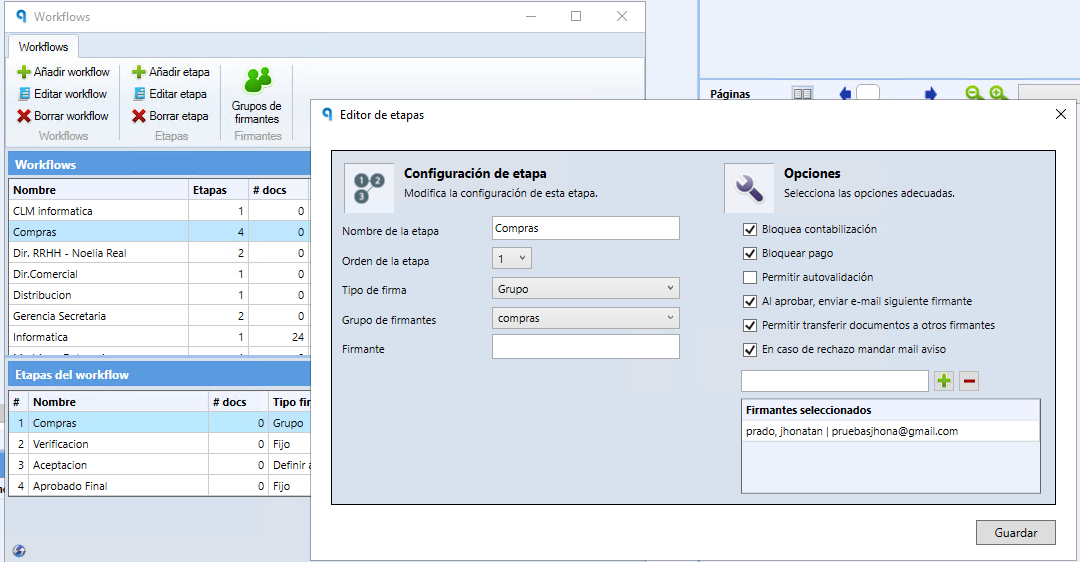
Enable “Bloquear Pago” in the stage
When creating or configuring the workflow stage, enable the Bloquear Pago (Block Payment) option.
- 2
Send the invoice to the workflow
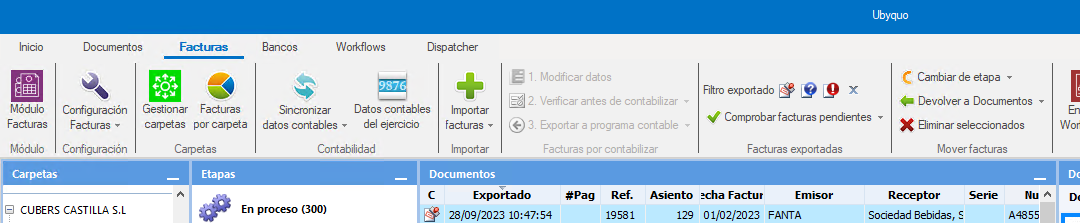
Send it before posting it, from one of these tabs:
Documentos (Documents), as an unposted documentFacturas (Invoices)
- 3
Post the invoice
Post it as usual.
Check the block
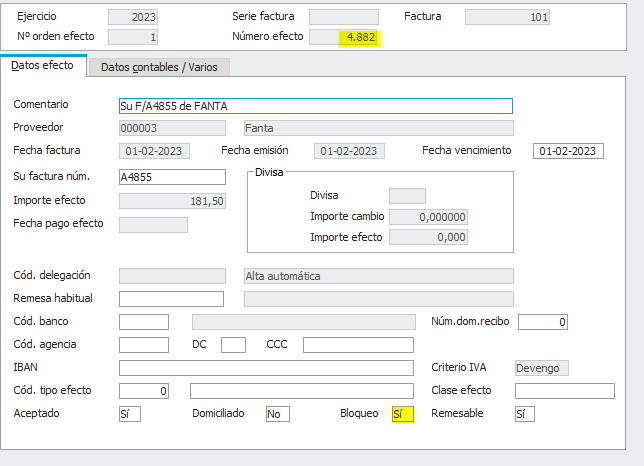
In Sage, the due item appears as blocked. In Ubyquo, the B column shows a padlock.

Part 2 Unblock and pay
- 4
Filter the blocked ones
When the accountant needs to pay the remittances, filter the documents to show only the blocked ones.
- 5
Unblock them
Select the documents you want to unblock and run the unblock action.
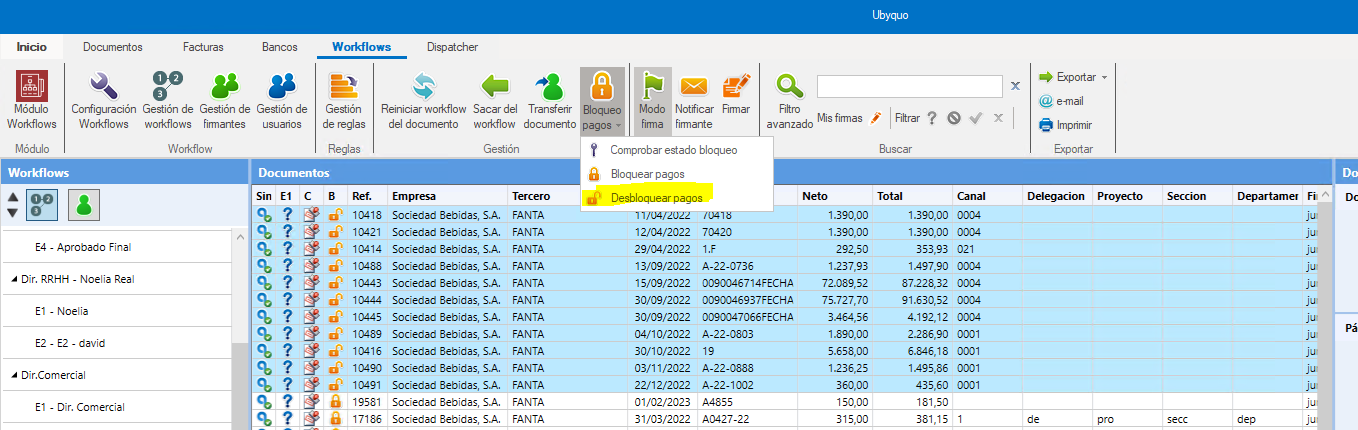
Check the unblocking
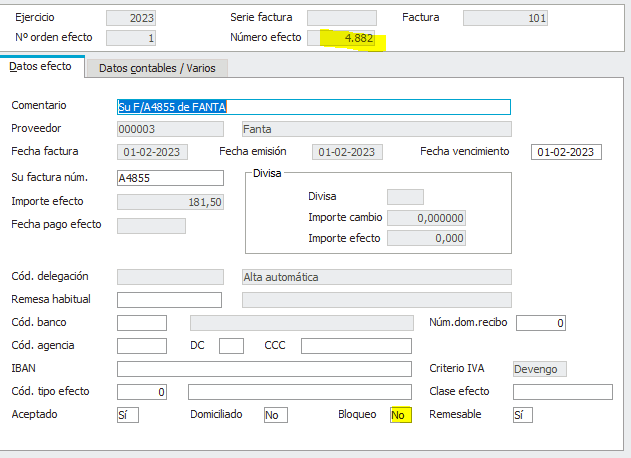
The workflow padlock appears open and the due item is unblocked in Sage.

- 6
Make the payment
Make the corresponding payment.
Check the payment
Ubyquo shows the euro symbol (€), which indicates that the due item has been paid.
Configuration recommendations
To get the most out of payment blocking through workflows, we recommend:
- Having direct export enabled.
- Having well-defined workflow rules.
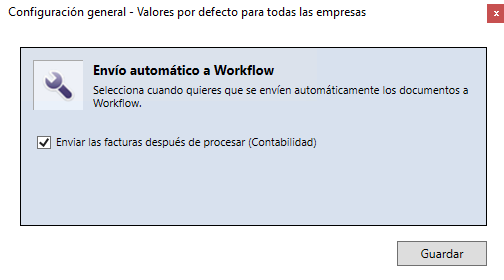
- Enabling the Enviar las facturas después de procesar (Contabilidad) (Send invoices after processing (Accounting)) option in the Workflows configuration.