
Updated on September 21, 2026
Account administration does not open in Ubyquo
What to do when the Administration window does not open: web access and reinstalling WebView2.
Access Account administration in Ubyquo
From the Administración de la cuenta (Account administration) icon in the Inicio (Home) tab you can open the Ubyquo administration window.
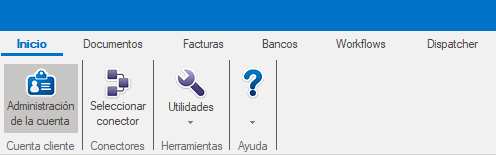
When you click the icon, the Administración (Administration) window should open.
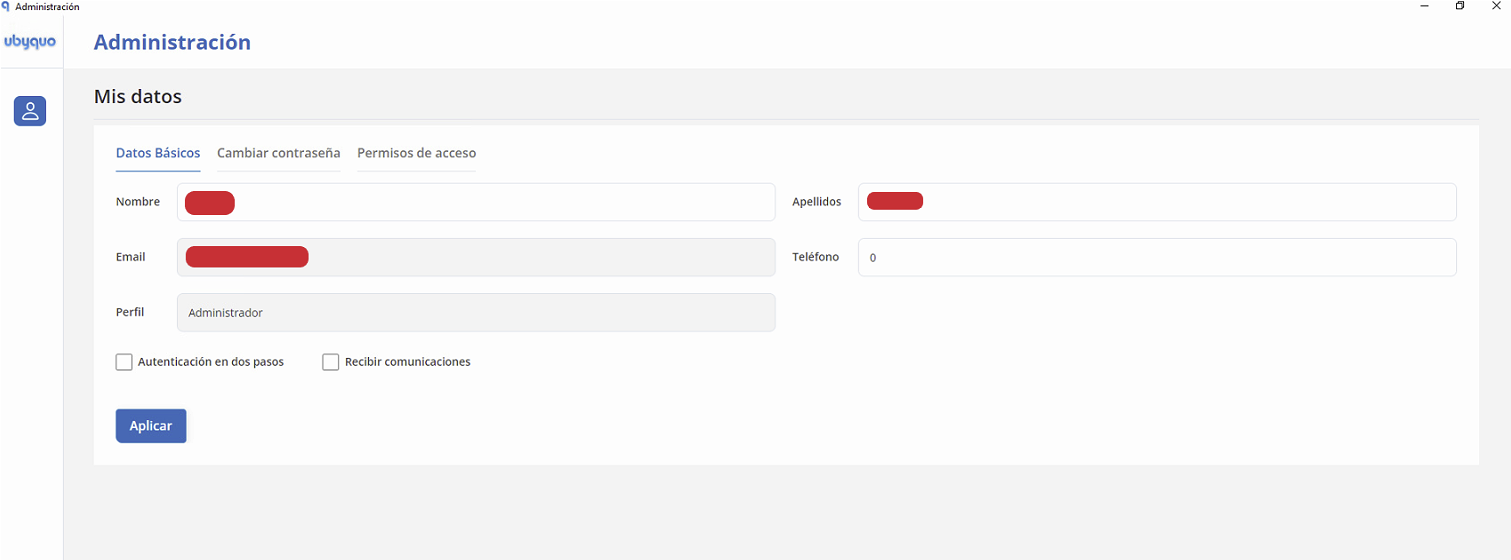
If the window does not open, you can also log in directly from the web:
Solution if Account administration does not open
If the Administración window does not open from Ubyquo, the problem may be related to Microsoft Edge WebView2.
Uninstall and reinstall Microsoft Edge WebView2
- Uninstall Microsoft Edge WebView2 from the Control Panel or from Windows Settings.
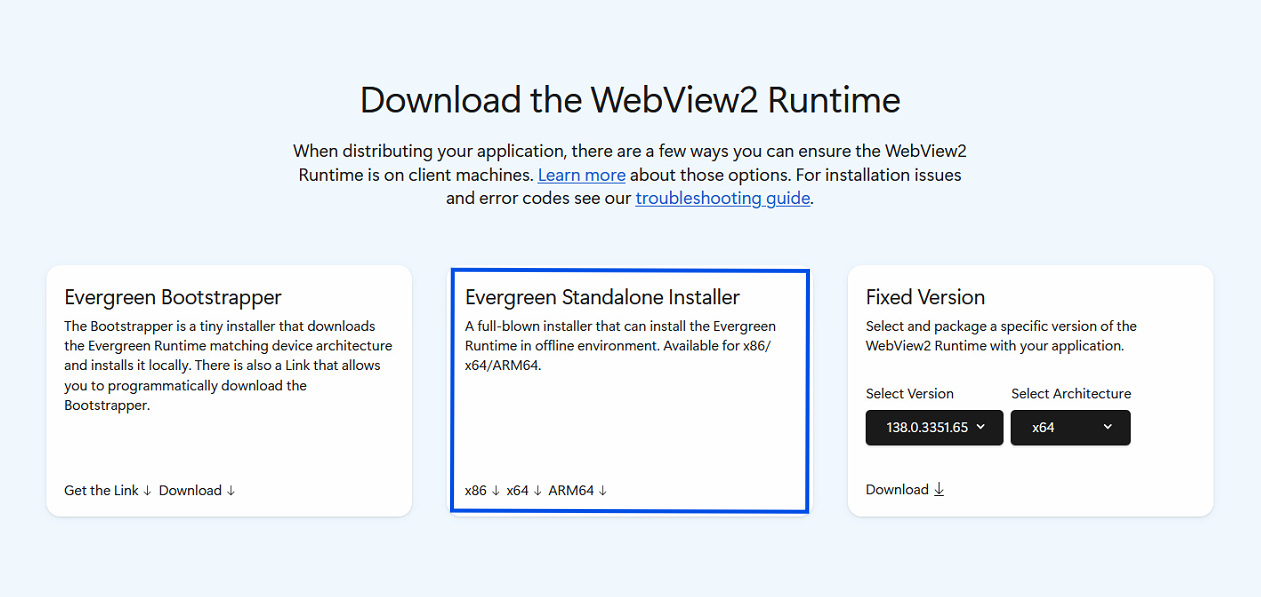
- Download and install the WebView2 Runtime (Evergreen Standalone Installer) from Microsoft's official page:
- Optionally, you can install or update Microsoft Edge:
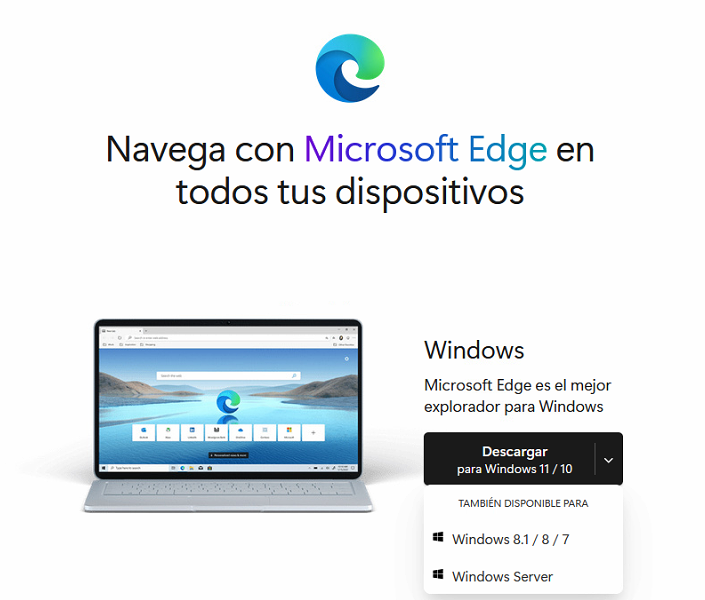
Select the version for your system, Windows or Server.
- Before installing the components, make sure no Ubyquo session is open.
You can check this in Task Manager > Details and close any Ubyquo processes that are still running.
- Install the downloaded components.
- If necessary, restart the computer.
- Open Ubyquo and try to access Administración de la cuenta again.
If the problem continues
If the Administración window still does not open after reinstalling WebView2, you can install Microsoft Visual C++ Redistributable.
Install Visual C++ Redistributable
Microsoft Visual C++ Redistributable provides components needed to run applications developed with Microsoft Visual C++.
- Go to Microsoft's official page:
- Find the Visual Studio section and select the version you need.
- Download the version that matches your system:
- x86: for 32-bit systems.
- x64: for 64-bit systems.
- Run the downloaded installer.
- Accept the license terms and complete the installation by following the wizard's instructions.
- When the installation finishes, restart the computer if necessary.
- Open Ubyquo and check whether you can now access Administración de la cuenta.
Check the required version
If an application requires a specific version of Visual C++ Redistributable, check its requirements before installing so that you use the right version.