
Updated on September 21, 2026
How to manage users, profiles and access permissions
Administrator guide on how to manage modules, profiles, users and their access permissions.
Account administration for Ubyquo administrators
This article is aimed at Ubyquo administrators and explains the main functions available for managing the account, the contracted modules, profiles, users and their access permissions.
Accessing Account administration
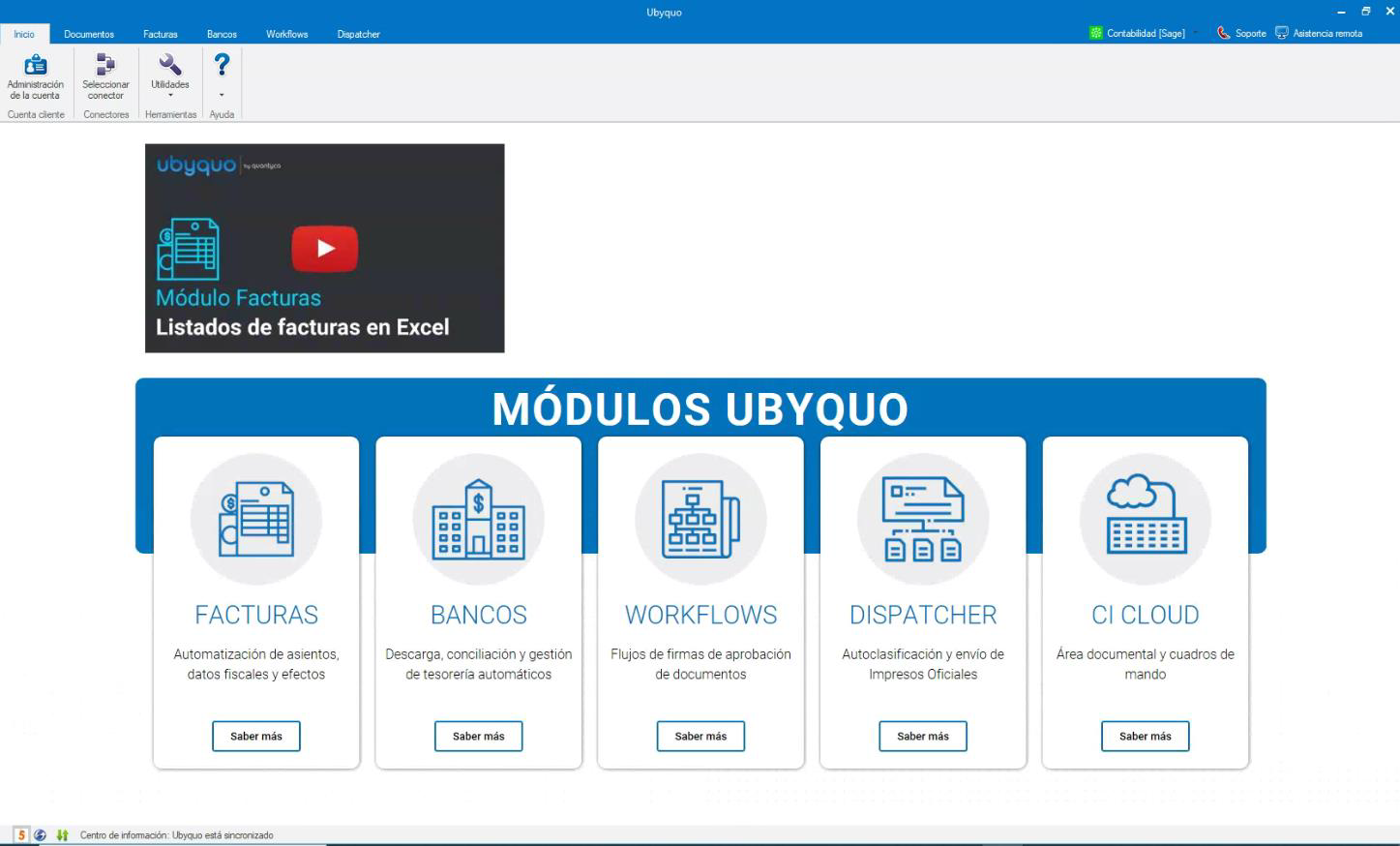
When you log in to Ubyquo, go to the Inicio (Home) tab and click the Administración de la cuenta (Account administration) icon.
If the window does not open, see the article Account administration does not open in Ubyquo.
You can also log in directly from the web:
Once inside Administration, the main screen will be displayed:
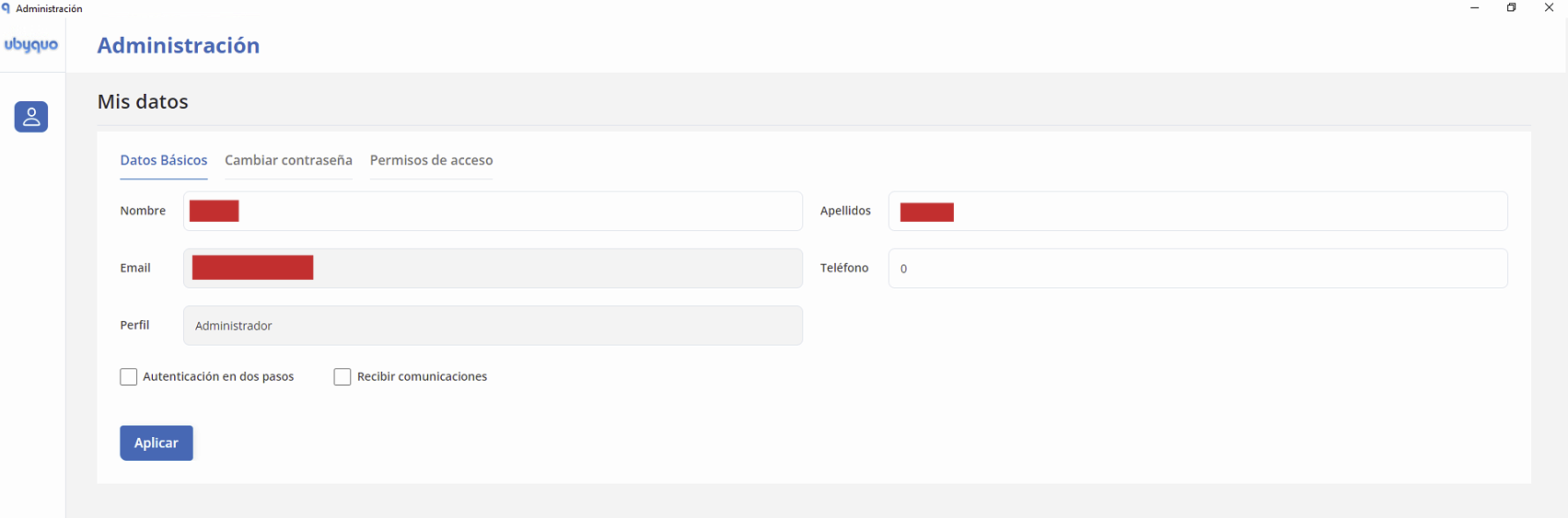
To show the different administration menus, click the corresponding icon.

My details
From Mis Datos (My Details) you can view and manage the information associated with your user.
Basic details
You can edit:
- First name
- Last name
- Phone
You can also enable the Recibir comunicaciones (Receive communications) option to receive information about news and updates.
Change password
From this section you can change your login password.
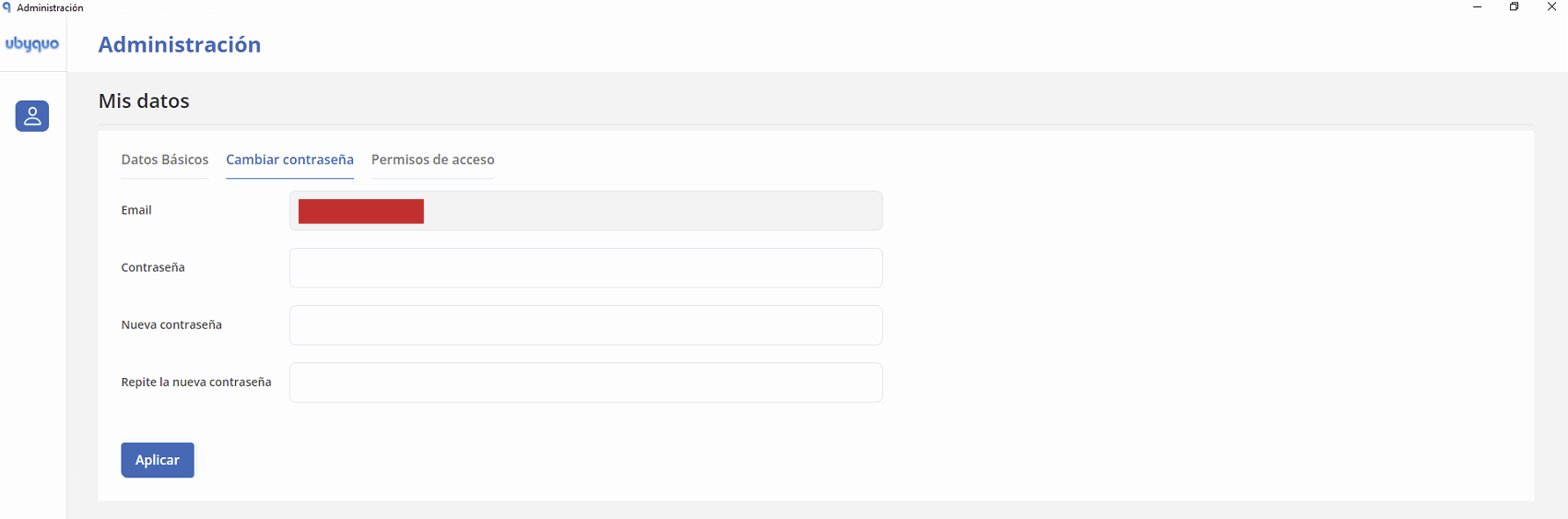
The password must meet the following requirements:
- At least 8 alphanumeric characters.
Once you have entered the new password, apply the changes.
Access permissions
From Permisos de Acceso (Access Permissions) you can view the permissions assigned to users by application, module or folder.
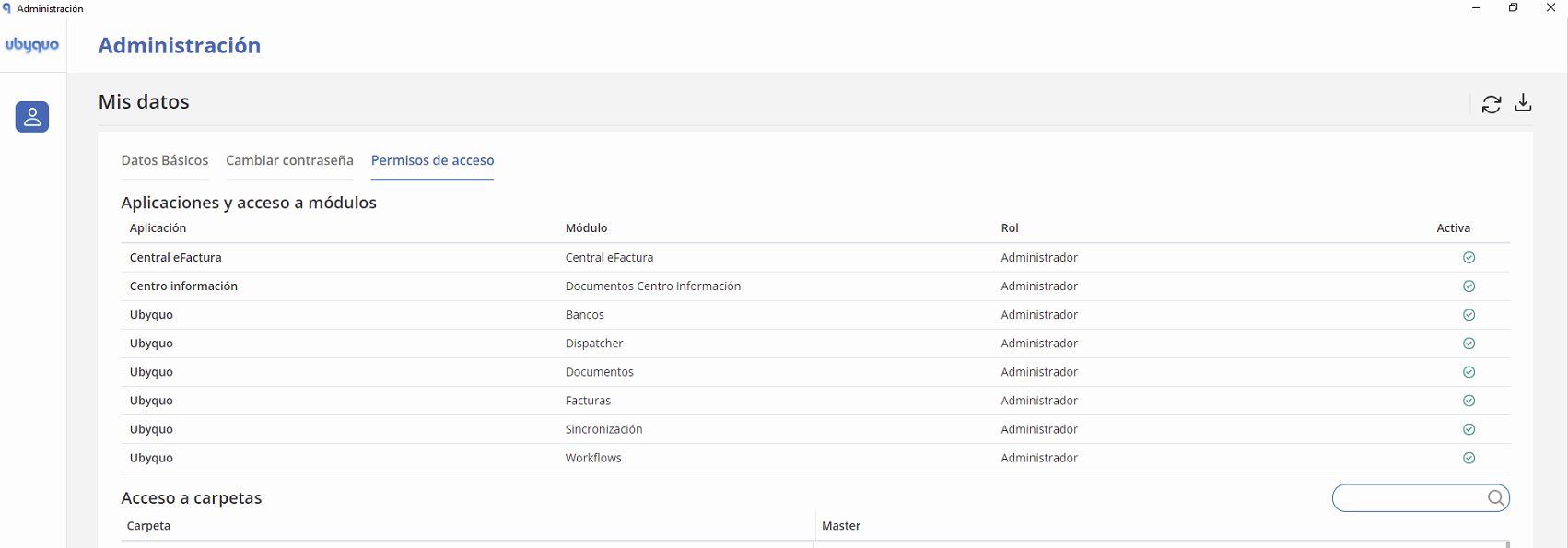
This section includes:
- Viewing access permissions.
- A search box to find specific permissions.
- Export of permissions to Excel.
Account details
From Datos de la Cuenta (Account Details) you can manage the company's general information.
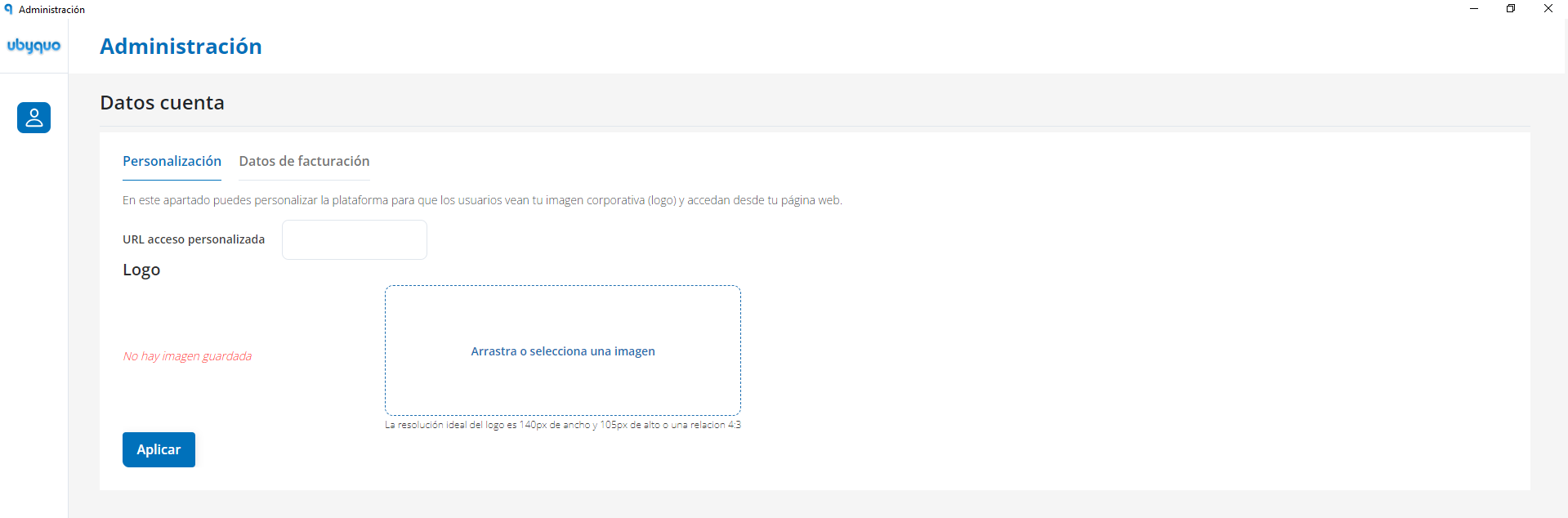
Customization
It lets you customize the platform through:
- Changing the URL.
- Adding the company logo.
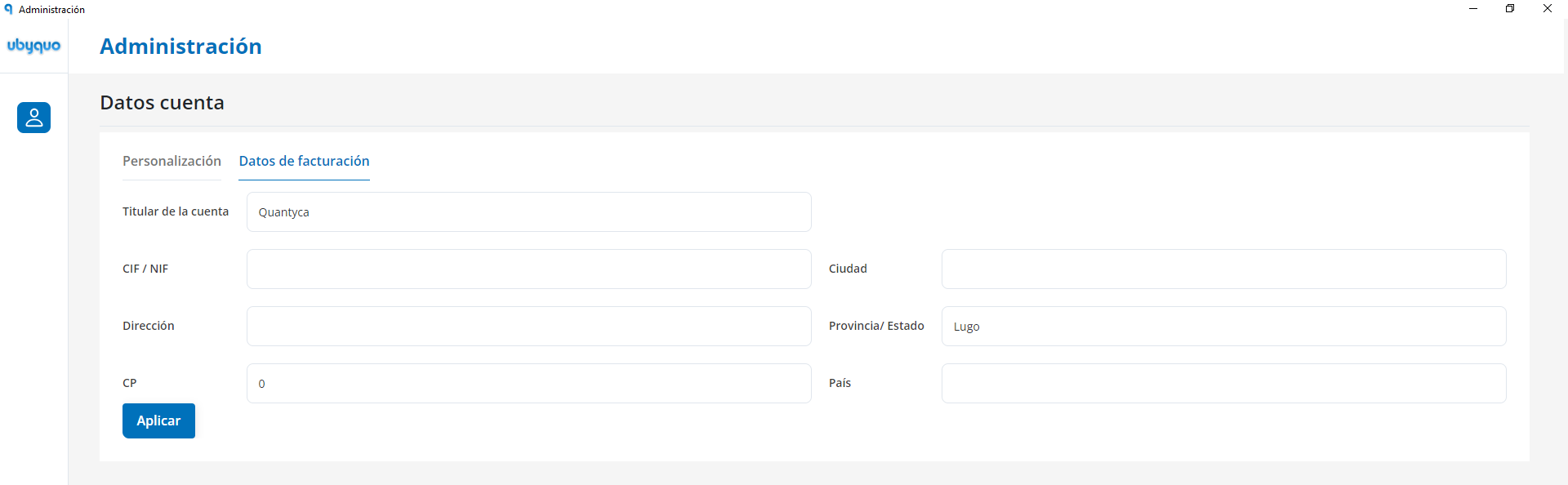
Billing details
It lets you view, edit and save the information related to the account's billing.
Contracted modules
From Módulos Contratados (Contracted Modules) you can view and manage the modules available in the account.
Balance-based modules
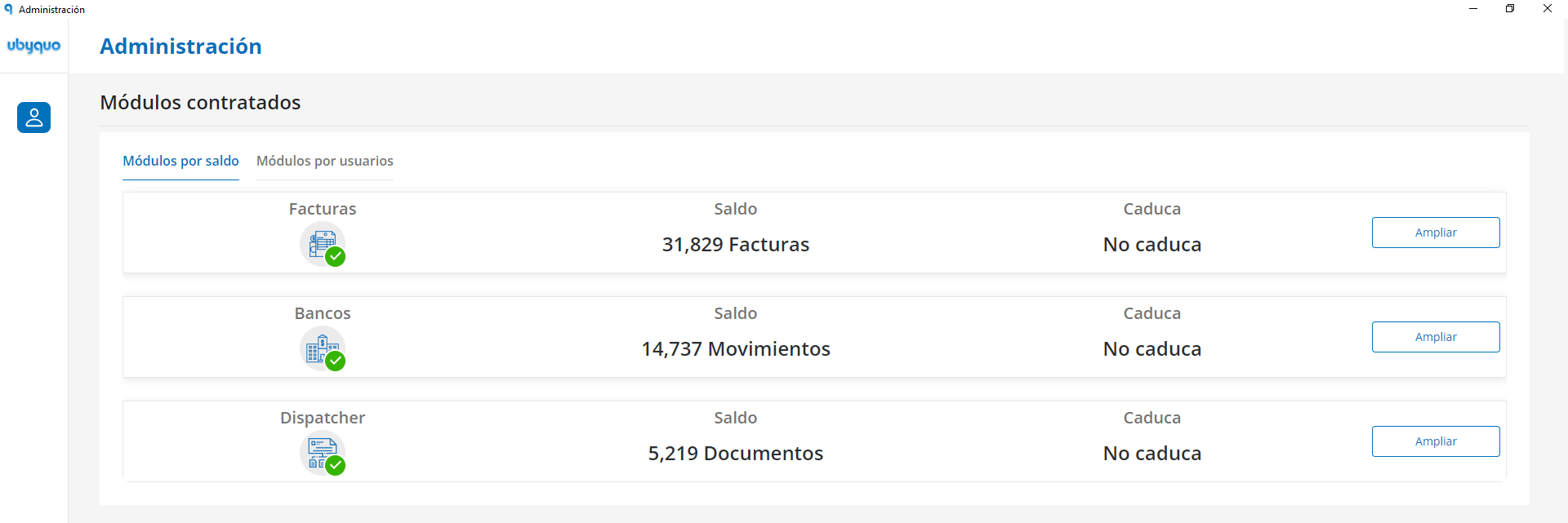
From this section you can:
- View the modules contracted by balance.
- Top up the balance.
- Contract new modules.
User-based modules
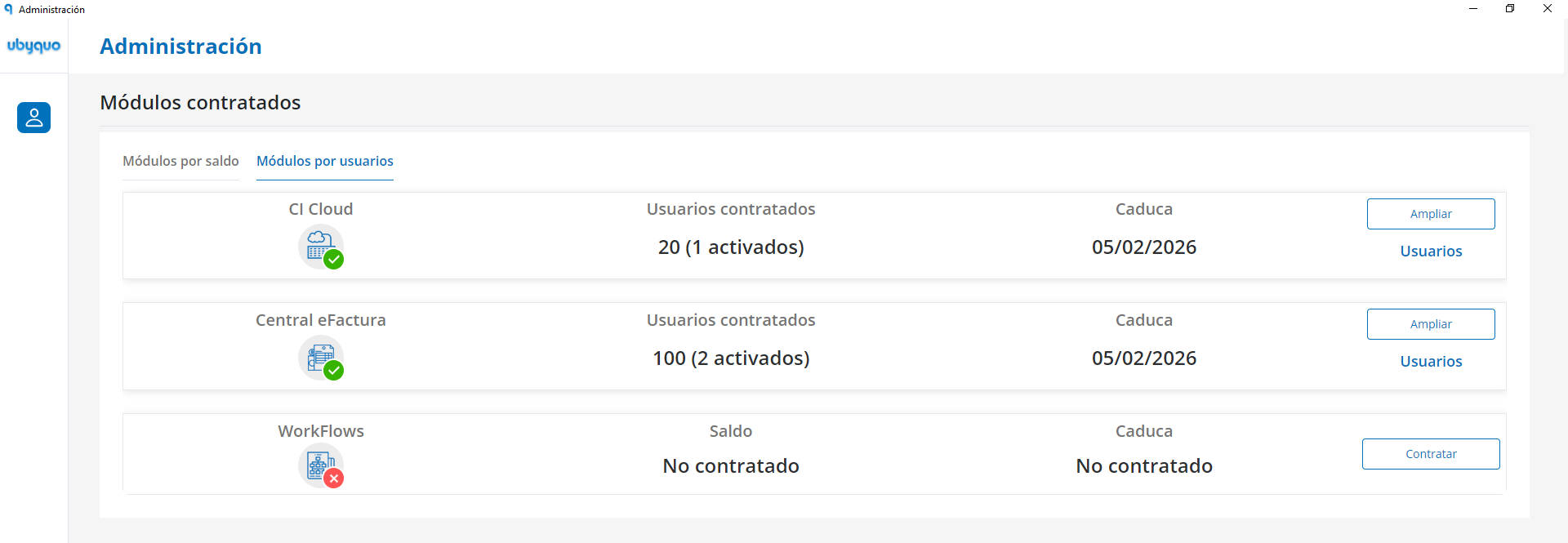
You can view and manage the users associated with the contracted modules, including:
- Assigned users.
- Personal details.
- Profile.
- User status.
Information by module
Account administration lets you view specific information about the contracted modules:
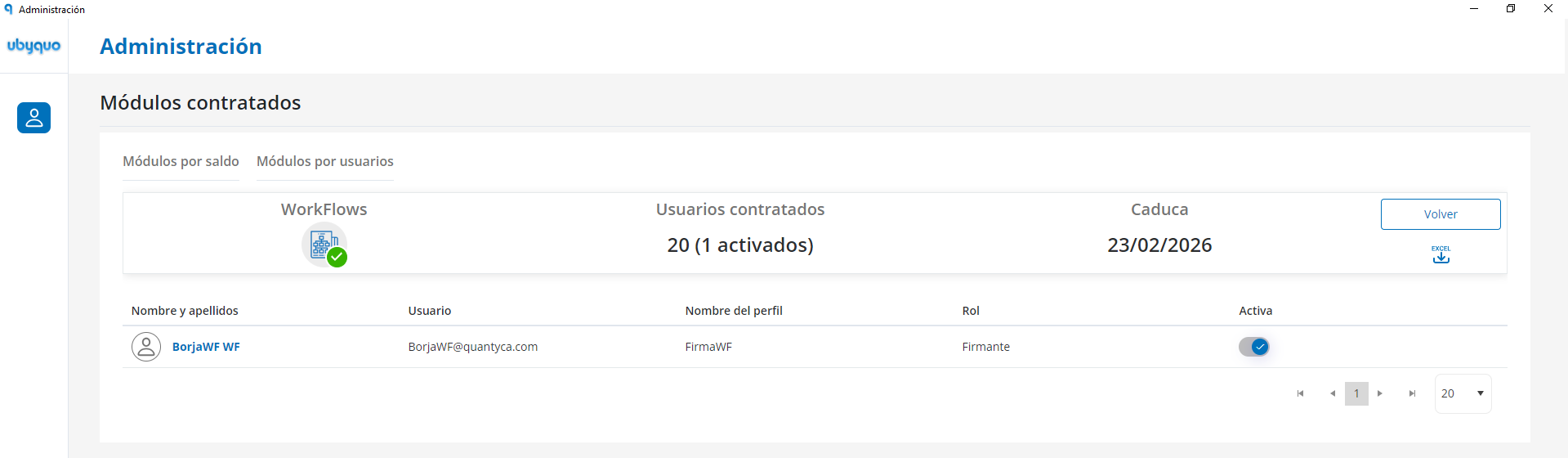
Workflows
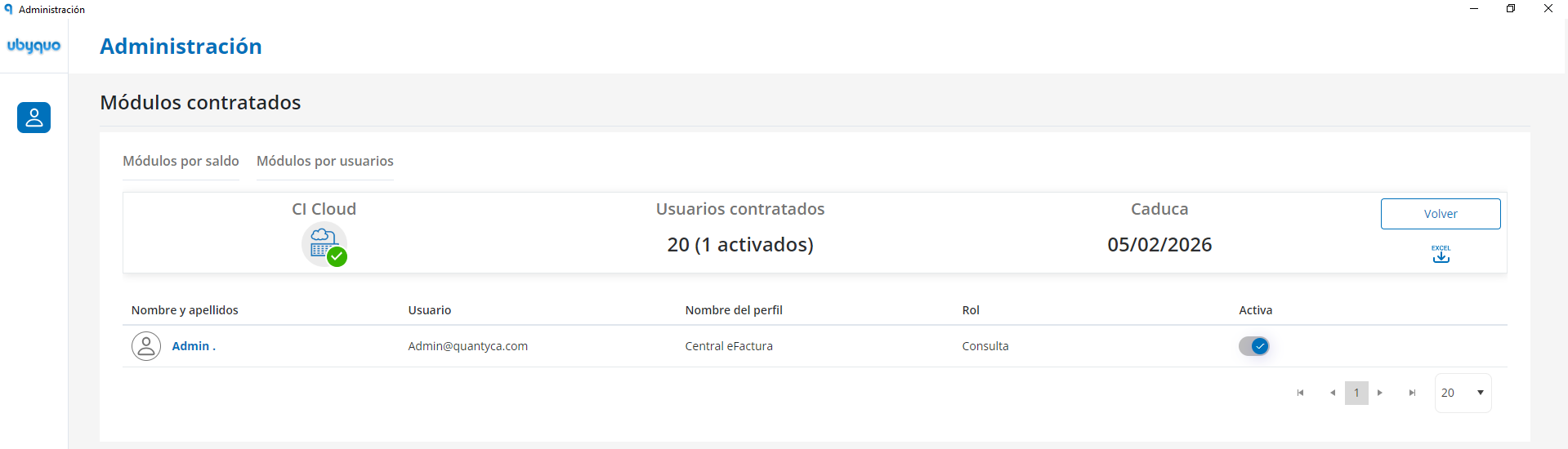
CI Cloud
Central eFactura
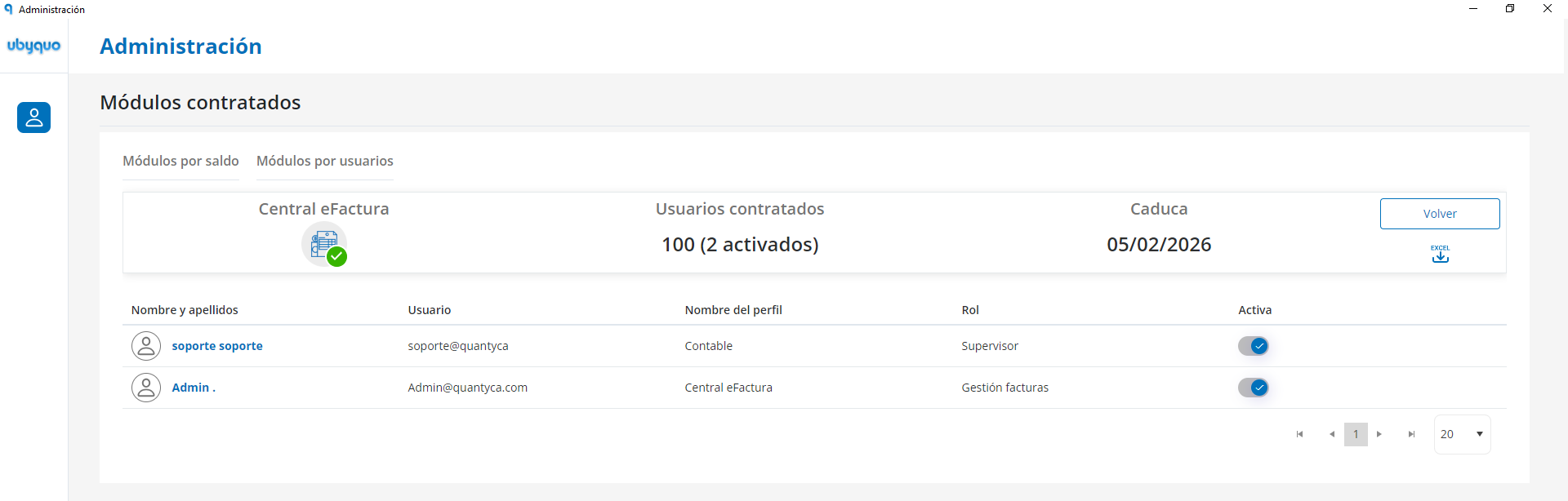
In these sections you can view information such as:
- Contracted users.
- Expiry date.
- Detailed breakdown by user.
- Export of information to Excel.
Usage
From Consumo (Usage) you can view the use of the contracted modules.
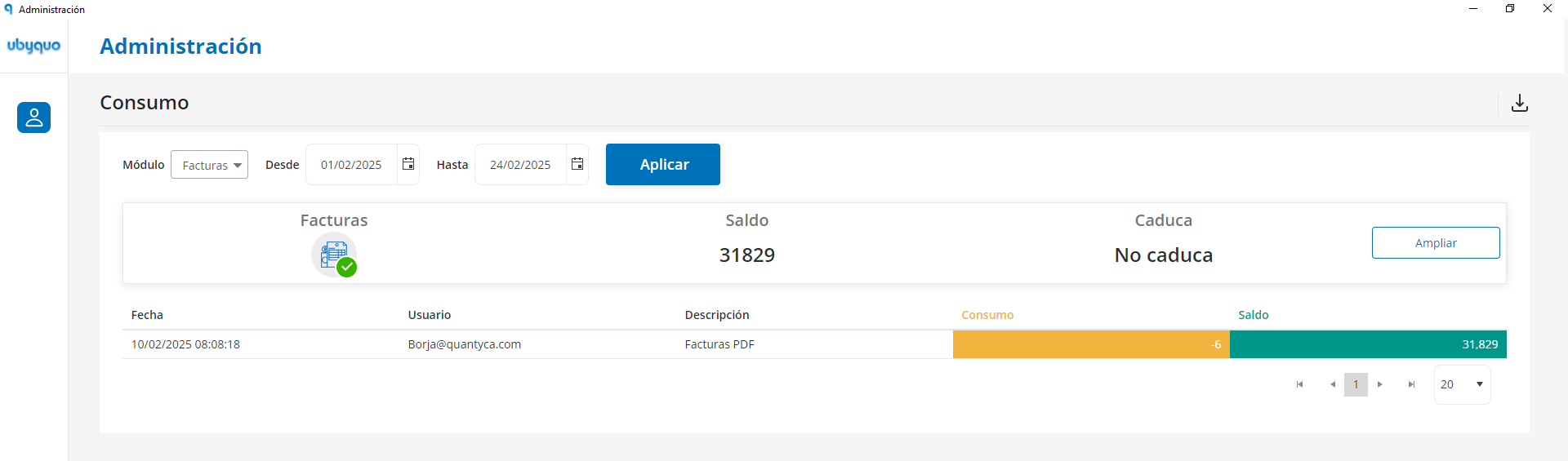
You can:
- View the balance and usage.
- Select a date range.
- Choose the module you want to view:
- — Invoices.
- — Banks.
- — Dispatcher.
- Export the information to Excel.
User profiles
From Perfiles de Usuario (User Profiles) you can manage the profiles that determine users' access to the different modules and departments.
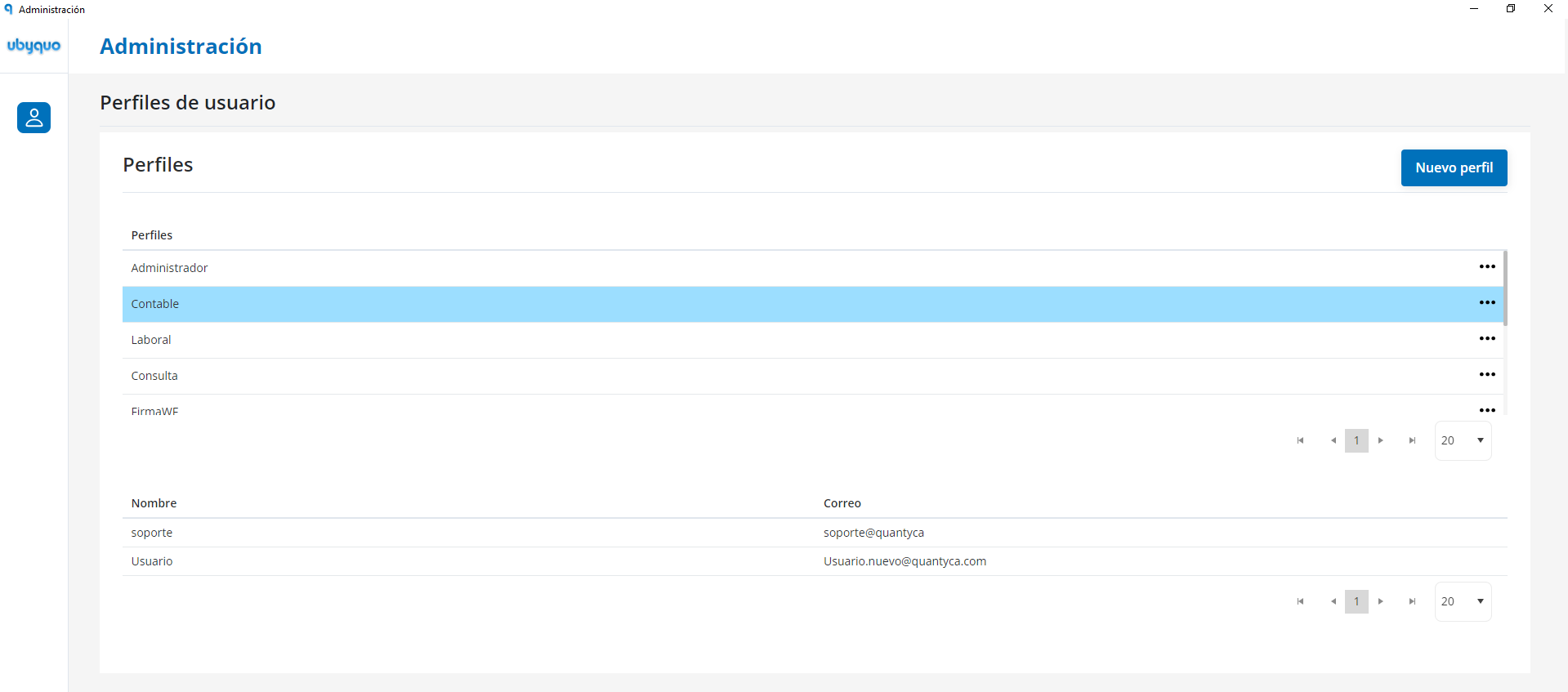
Profiles can be associated with:
- Modules.
- Departments.
- Users.
Profile management
You can manage the existing profiles and create new ones according to the company's needs.
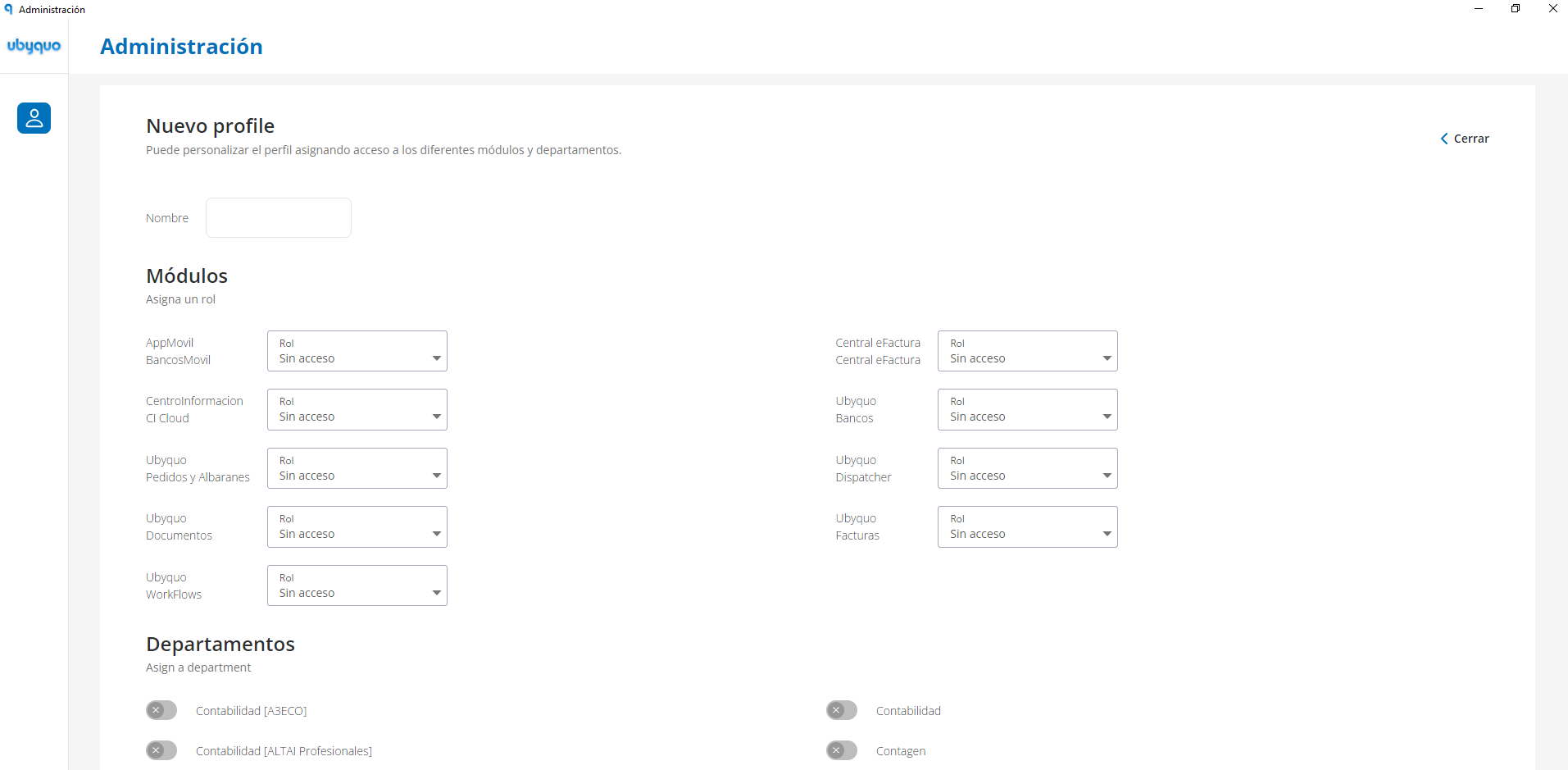
The available options are:
- Create new profile.
- Edit profile.
- Copy profile.
- Delete profile.
When you create a profile you can configure:
- Name.
- Modules.
- Role.
- Department.
User management
From Usuarios (Users) you can view and manage the users of the account.
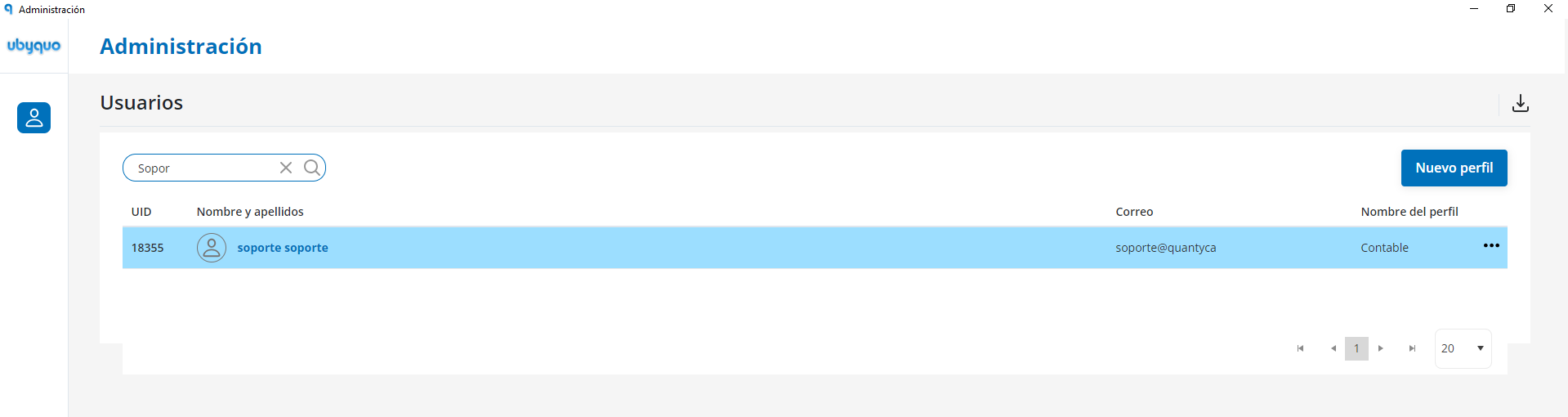
The main options available are:
- Search users.
- Export the list to Excel.
- Create new users.
- Edit users.
- Delete users.
Create a new user
To create a user, fill in the mandatory fields:
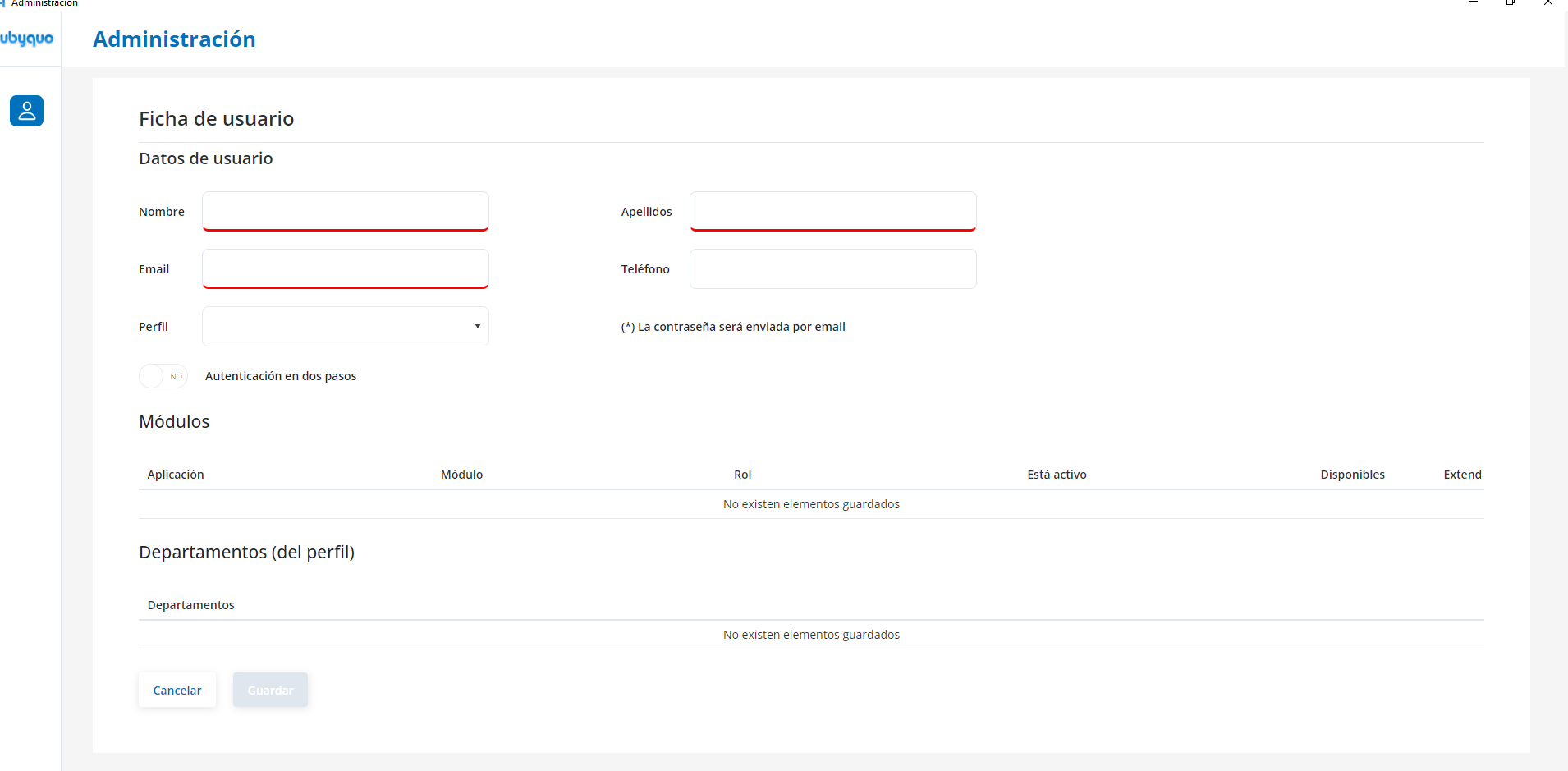
- First name.
- Last name.
- Email.
The phone number is optional.
The password is sent automatically by email.
Then assign the corresponding profile, which determines the user's access to the configured modules and departments.
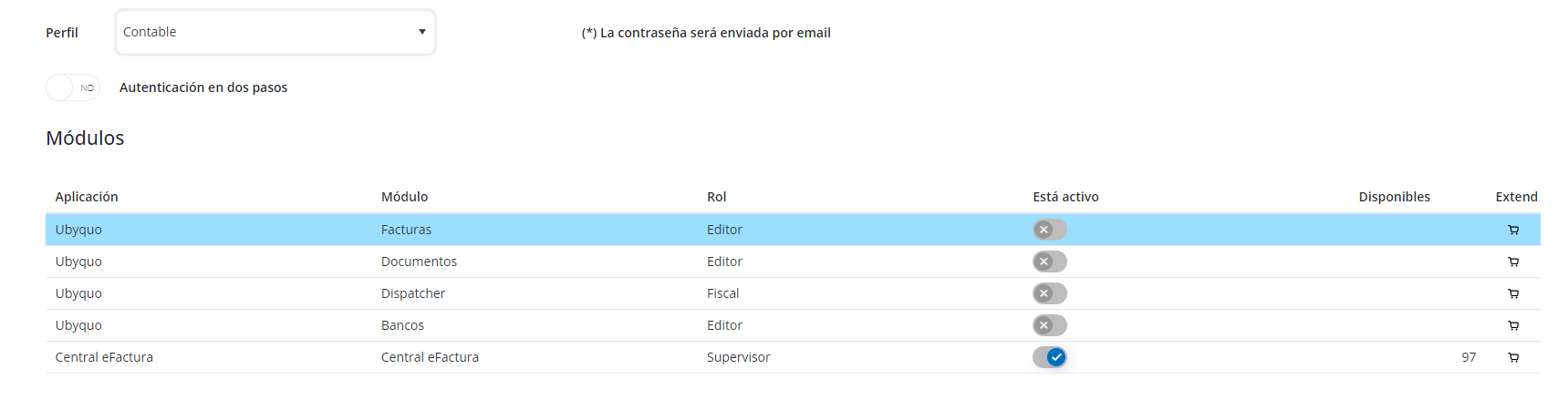
User record
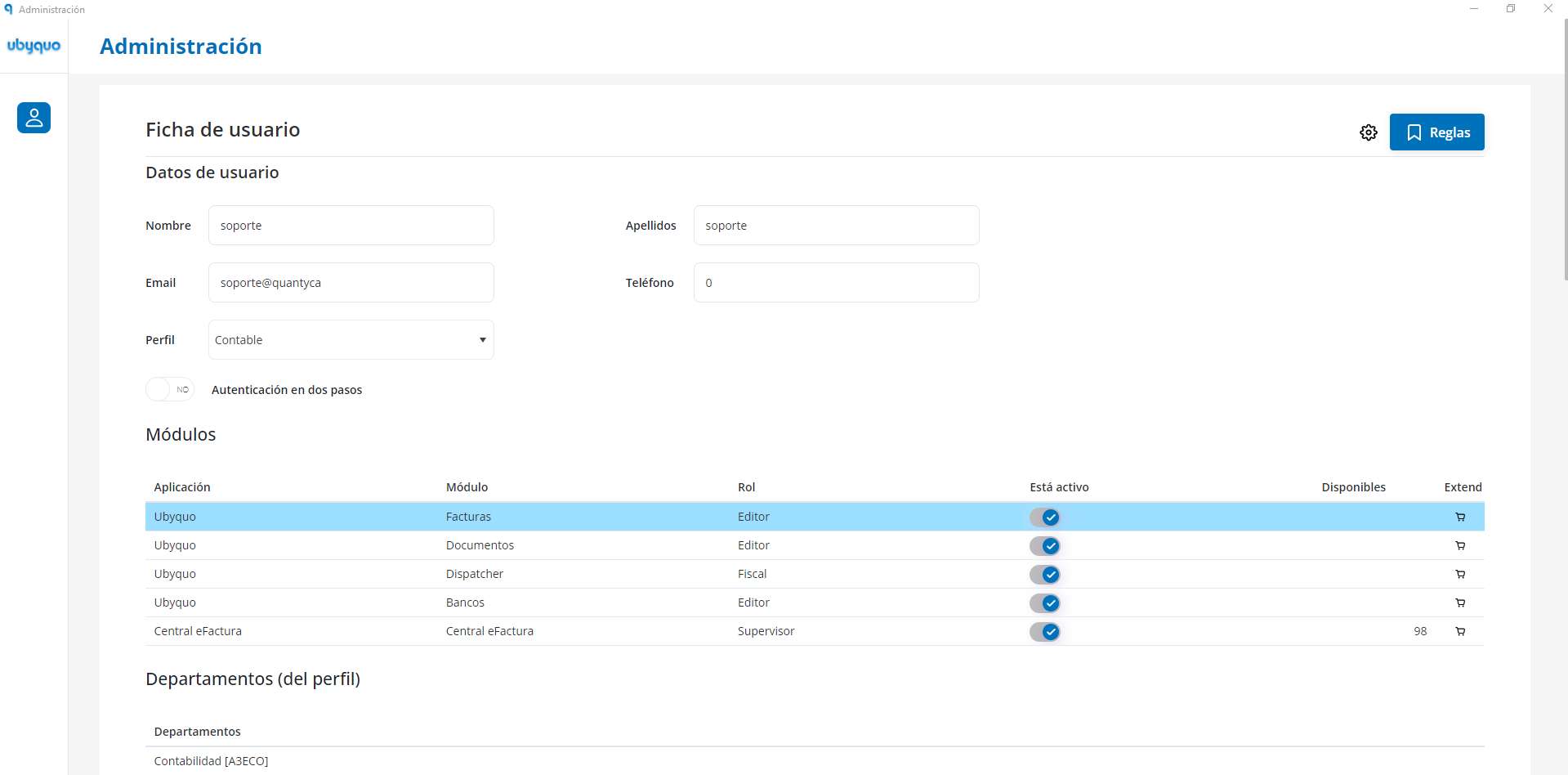
From the user record you can view and edit their details as needed.
Access rules for folders and companies
Access rules let you determine which companies or folders each user can see.
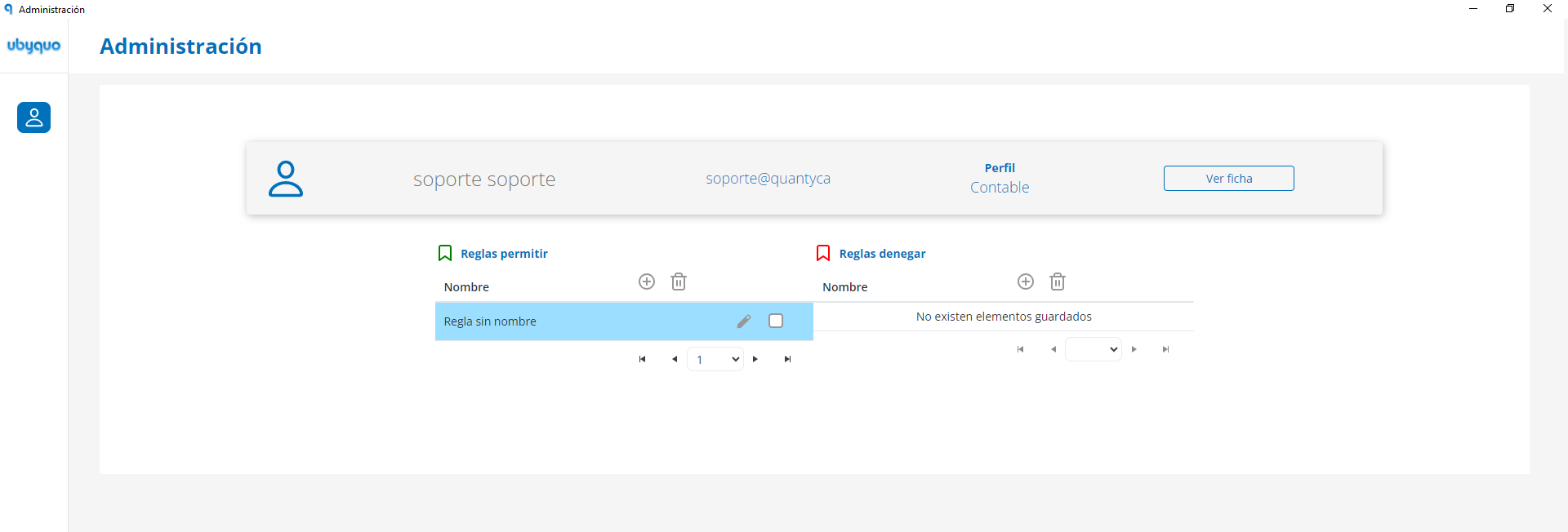
You can create two types of rules:
- Permitir (Allow): sets the companies or folders the user can access.
- Denegar (Deny): restricts access to certain companies or folders.
After editing the access rules, use Regenerar Acceso (Regenerate Access) to refresh the user's permissions and apply the changes.
For detailed information on creating and configuring these rules, see the article Create users and configure permission rules in Ubyquo.