
Updated on 24 September 2026
How to separate, group and delete documents
Split bulk scans into individual documents, merge related ones, or delete the ones you do not need.
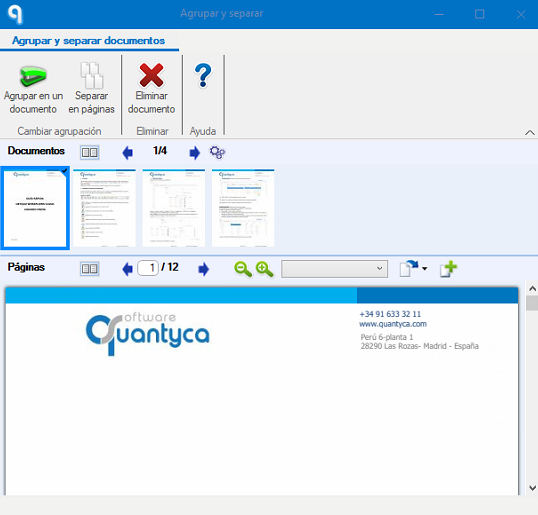
From the Documentos (Documents) tab in Ubyquo you can perform different actions on documents that have already been uploaded to the system: separate, group or delete documents.

Separating documents
The Separar (Separate) option lets you split a document into several pages and turn them into independent documents.
It is especially useful when a bulk scan has been made and each document needs to be separated individually.
Grouping documents
The Agrupar (Group) option lets you combine several documents into a single file.
It can be used, for example, to join related documents such as:
- Invoice
- Delivery note
- Proof of payment
Deleting documents
The Eliminar (Delete) option lets you permanently delete a document from the system.
Important: use this option with caution. Once a document has been deleted, it cannot be recovered.