
Updated on September 24, 2026
How to add pages to an existing document
Add new pages to a PDF that is already uploaded, directly from the document viewer.
From the Documentos (Documents) or Facturas (Invoices) tabs in Ubyquo, you can add pages to an existing document, as long as it is in PDF format.
1
Opening the add pages option
- Open the PDF document you want to add pages to from the Documentos or Facturas tab.
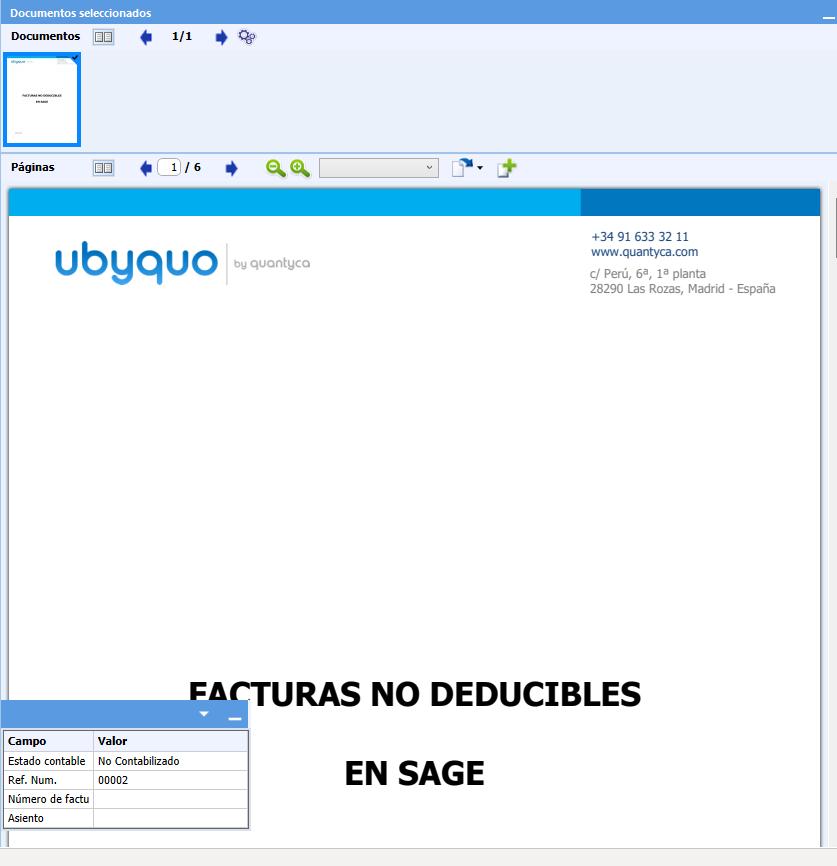
- In the document viewer, click the page icon with a "+" symbol.

2
Selecting the pages you want to add
- A window will open for you to find and select the files that contain the pages you want to add.
- Find and select the pages you want to add to the existing document.
The selected pages will be added to the PDF document.