Updated on 18 September 2026
How to send purchase orders or delivery notes to Workflows
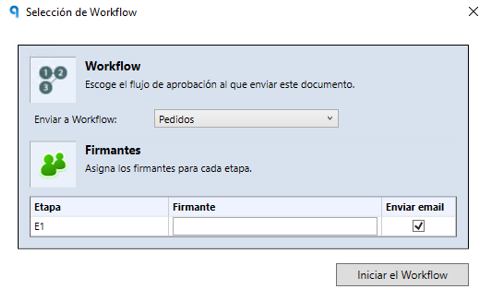
Send a purchase order or a delivery note to Workflows for approval in just three steps.
To send a purchase order or a delivery note, follow these steps:
- Go to the purchase order or delivery note you want to send.
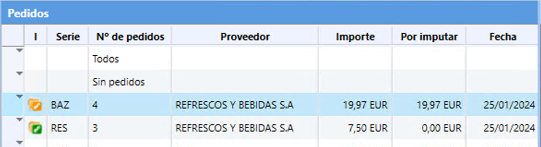
- Select the document you want to send to Workflows for approval.
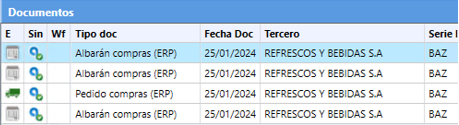
- Click the “Enviar a Workflow” (Send to Workflow) button at the top to start the sending process.