
Updated on September 23, 2026
Ubyquo does not export journal entries to Sage
Check the Sage installation path and the database connection to resolve the error.
If Ubyquo does not export journal entries to Sage, the problem may be related to the Sage installation path or to the database connection settings.
Below are the checks and solutions for the most common errors.
Connection error: check the Sage ERP path
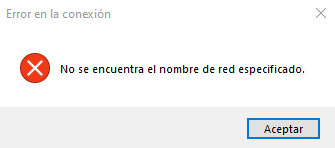
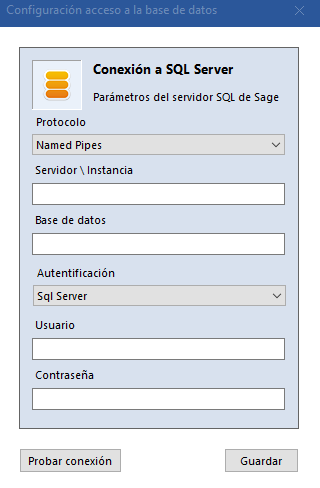
Checking the Sage configuration file
Before changing any file, make a backup copy of the configuration file.
- Open File Explorer.
- Go to the path %ProgramData%, which is normally
C:\ProgramData. - Find and open the file SageSpainERP.config.
- Look for the node
<PathServer>. - Check that it contains a valid path to the server where Sage is installed.
For example:
<PathServer>\\SERVIDOR\Sage Murano\</PathServer>
The configured path must match the actual location of the Sage server.
SqlTransaction error: check the database connection
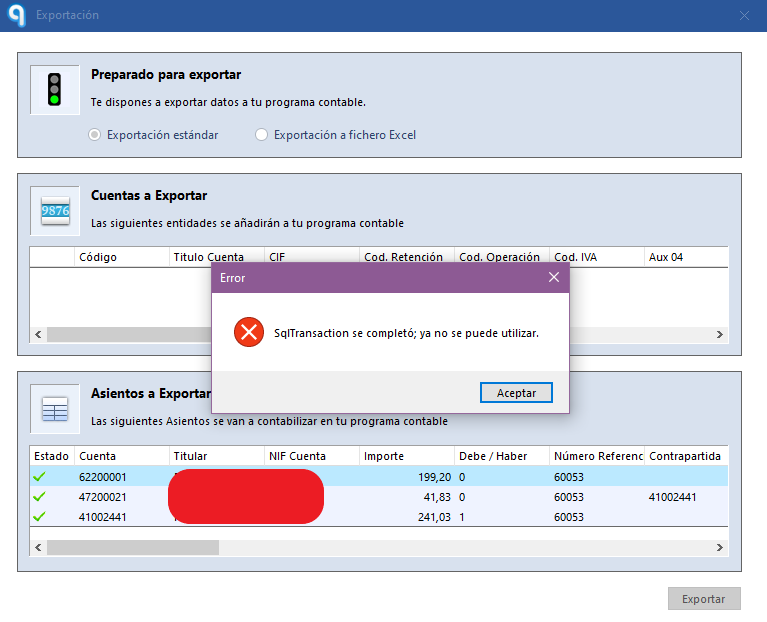
If a SqlTransaction error appears, you may need to set up Ubyquo's connection to the Sage database again.
Deleting the connection file
- Go to the Ubyquo installation path.
- Find the file Conexion_BBDD.config.
- Delete the file.
Once this file is deleted, Ubyquo will ask you to set up the database connection again.
Setting up the connection with Sage again
- Open Ubyquo.
- Go to Documentos > Gestionar carpetas (Documents > Manage folders).
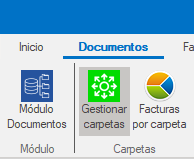
- Select Cambiar conexión a datos (Change data connection).

- Click Configurar conexión (Configure connection).
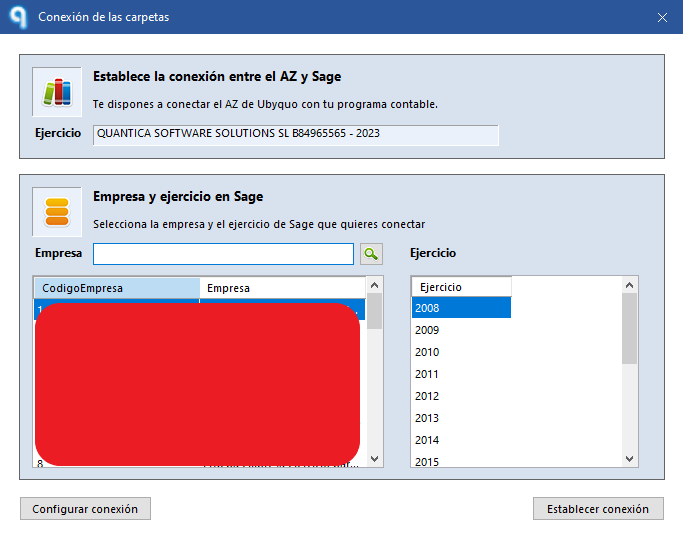
- Keep the SQL user that is already set.
- Enter the new password if it has changed.
- Click Probar conexión (Test connection).
- If the test succeeds, click Guardar (Save).
Checking the export of the journal entries
Once the settings are corrected:
- Check that the database connection is working.
- Export the journal entries from Ubyquo again.
- Make sure the journal entries were exported correctly to Sage.
If the connection has been set up correctly, Ubyquo will be able to communicate with the Sage database again and export the journal entries.